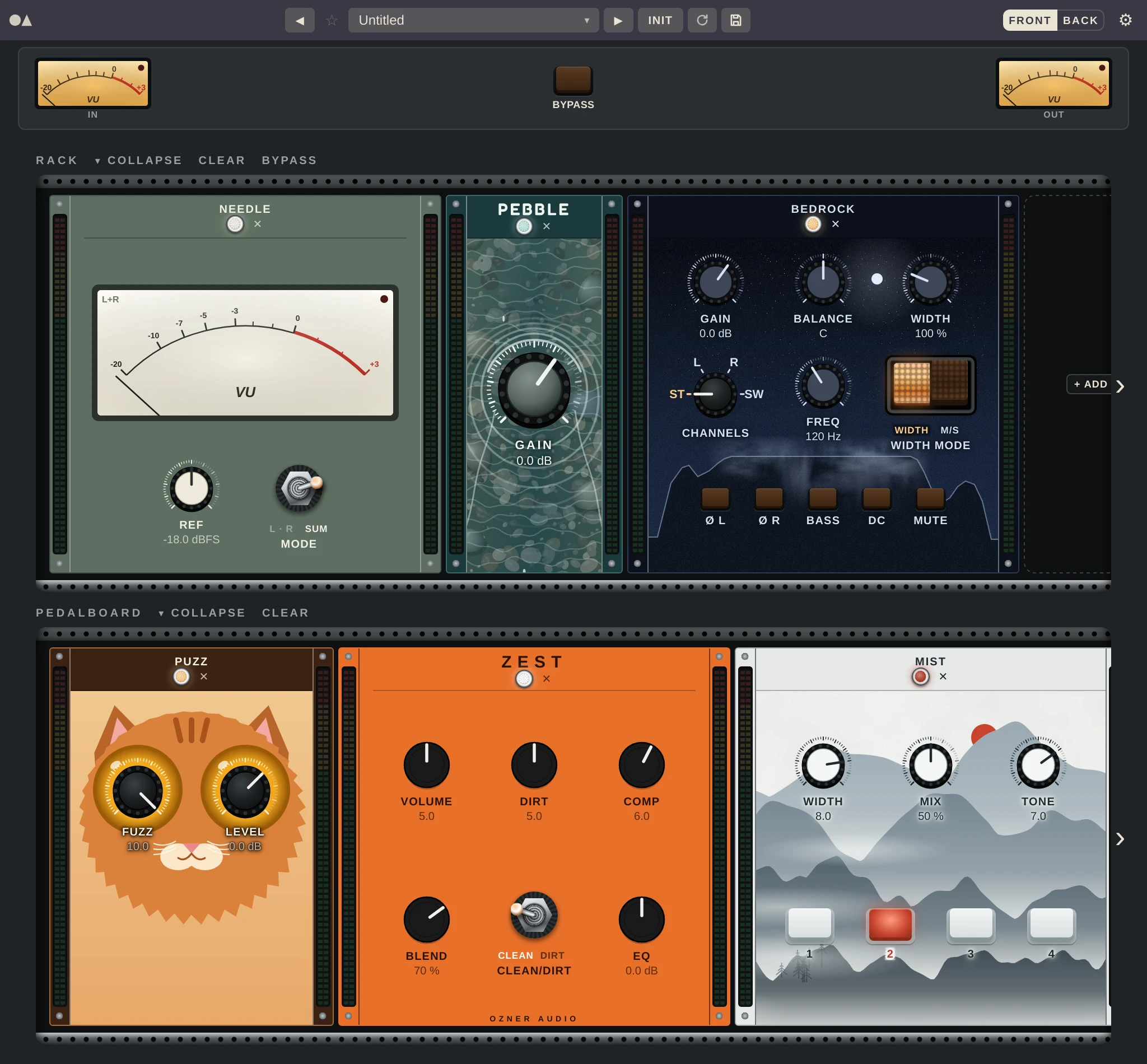
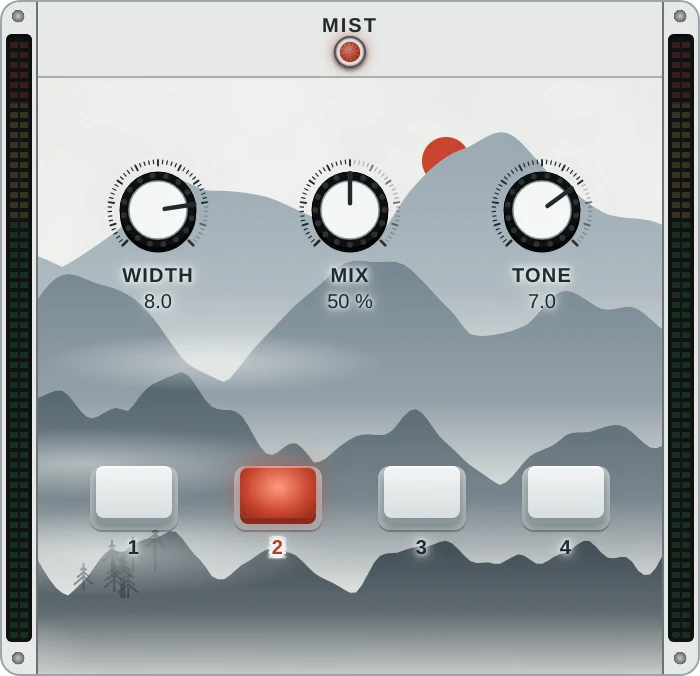
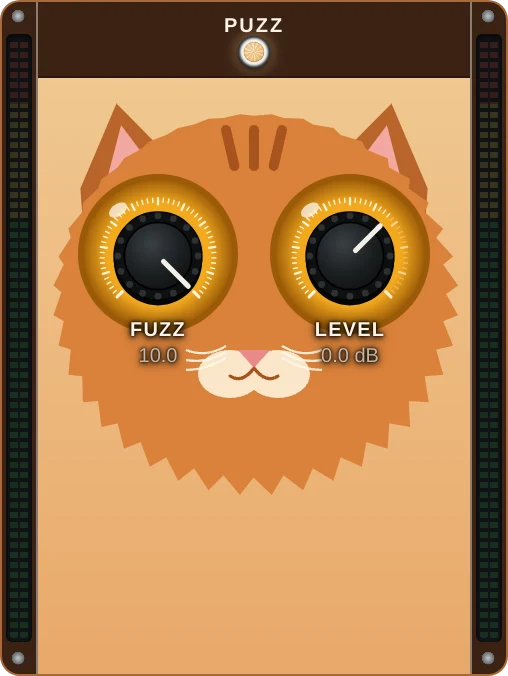
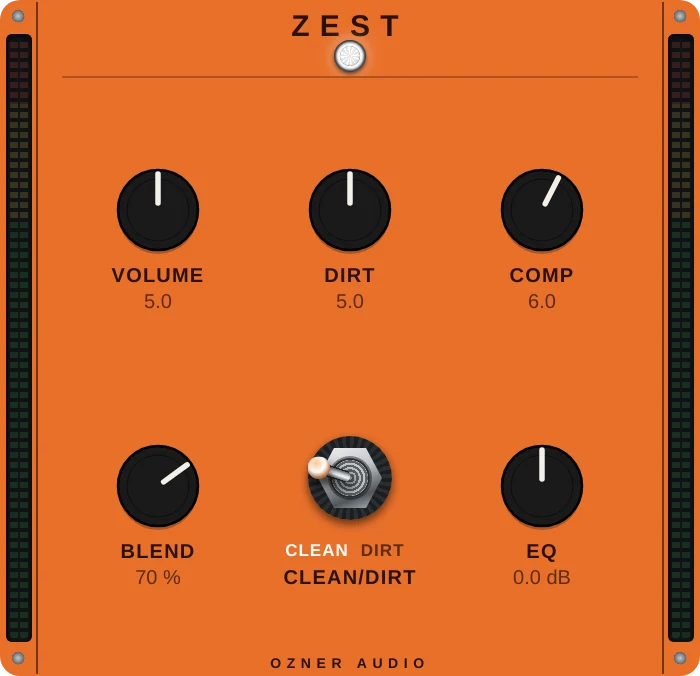
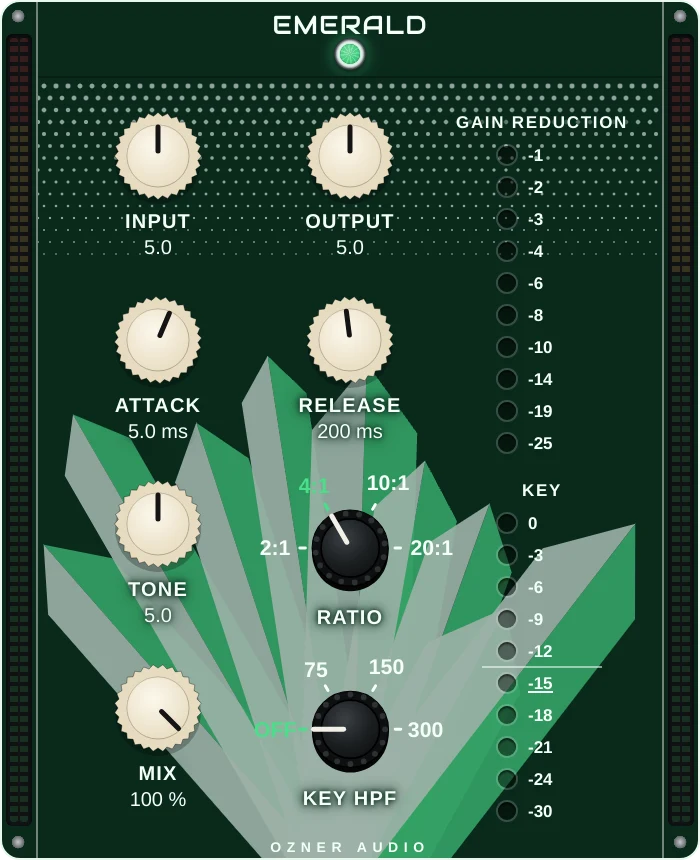
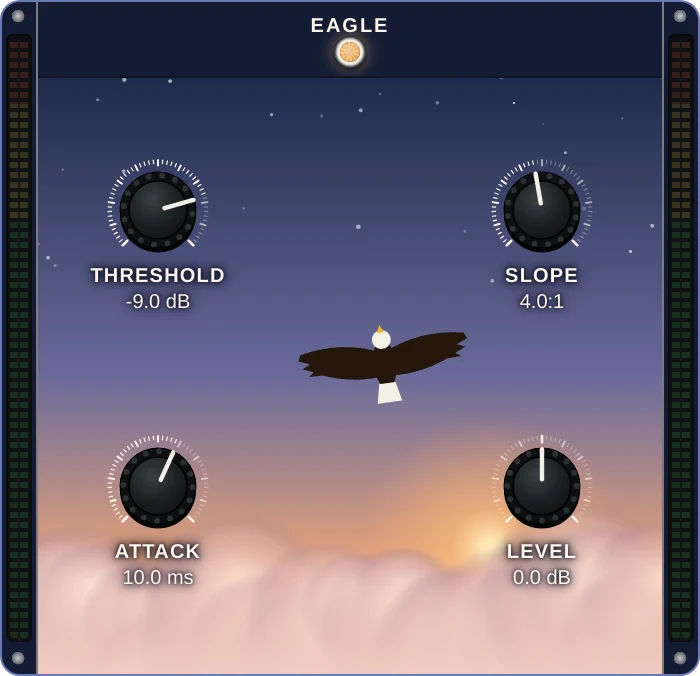
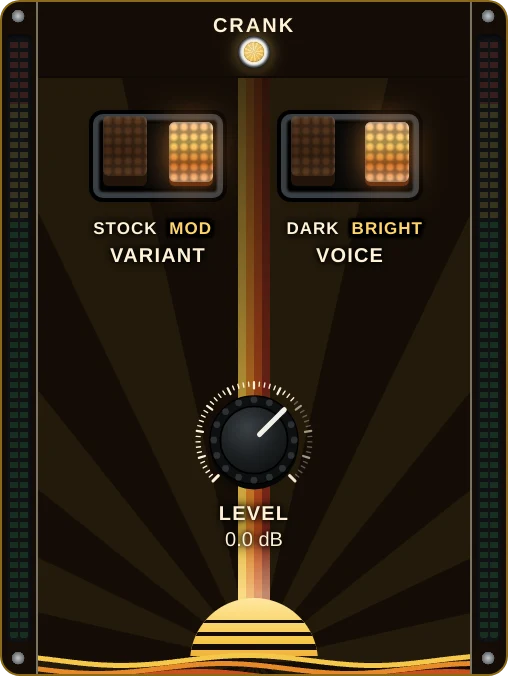
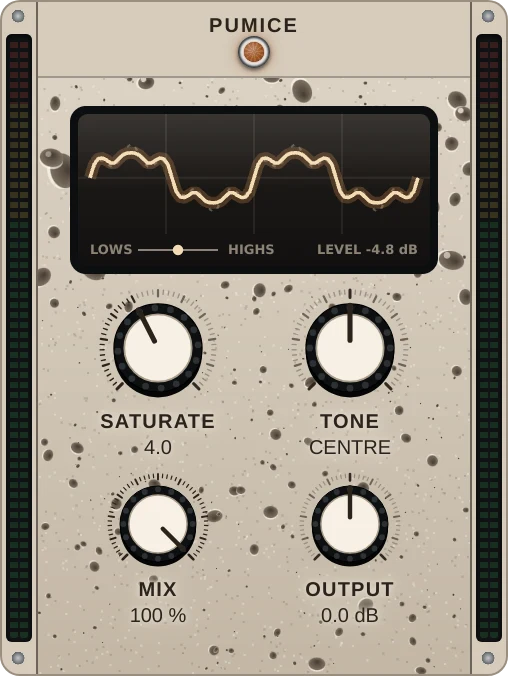
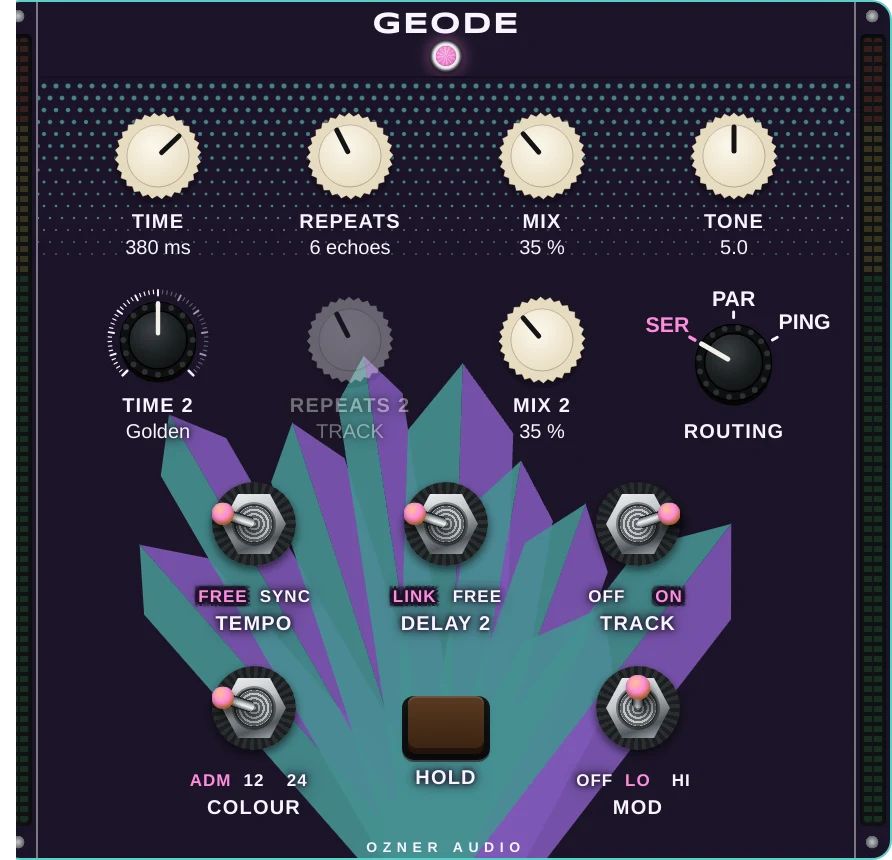
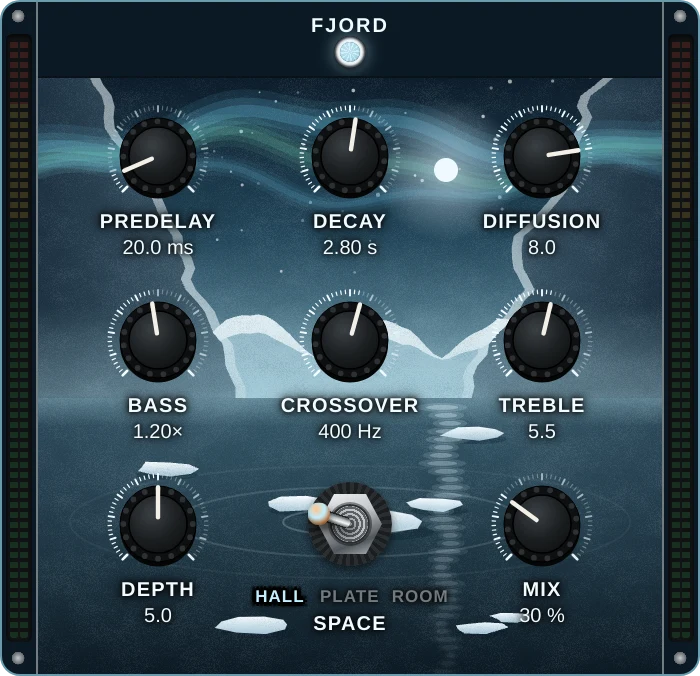
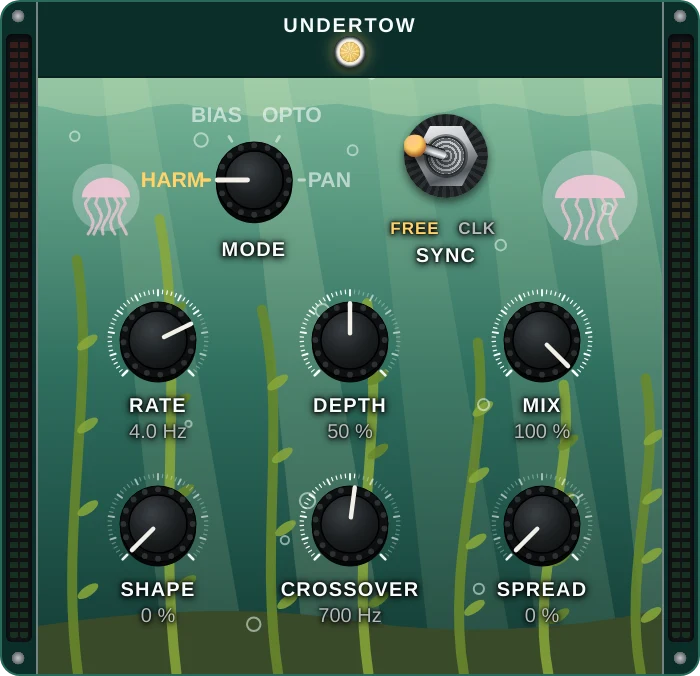
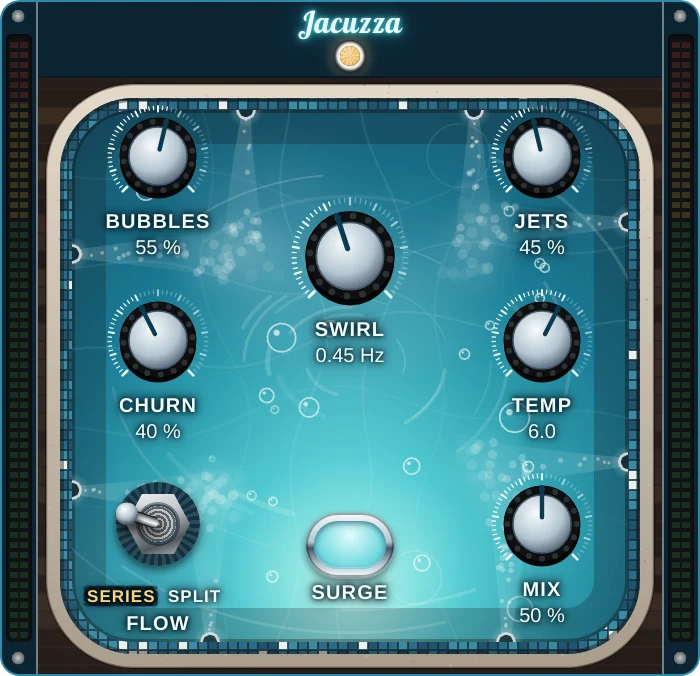
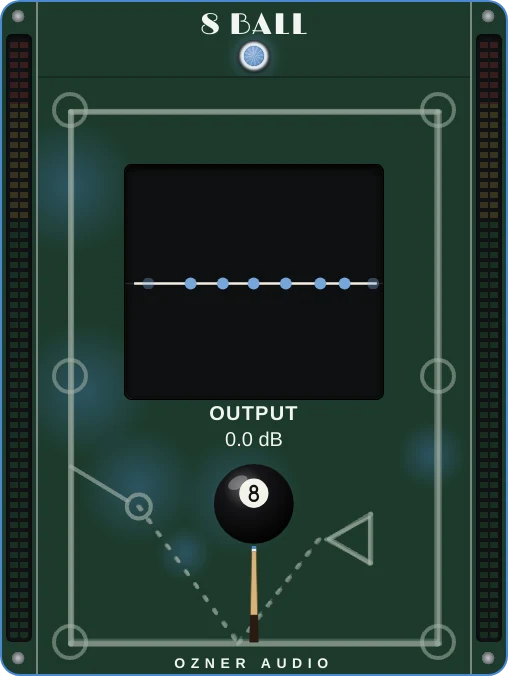
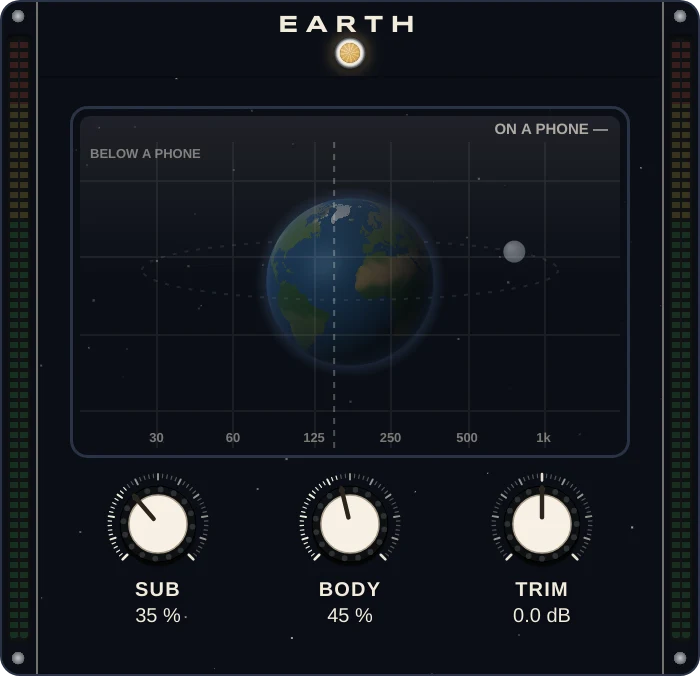
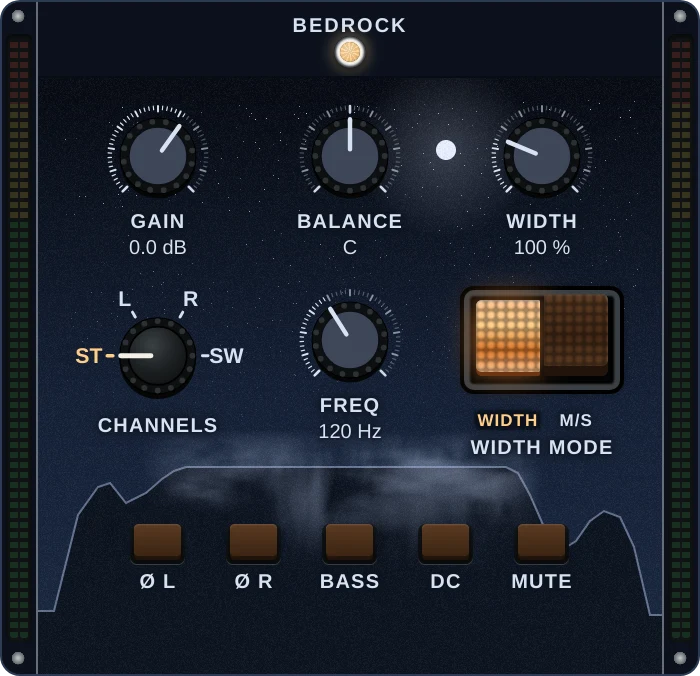
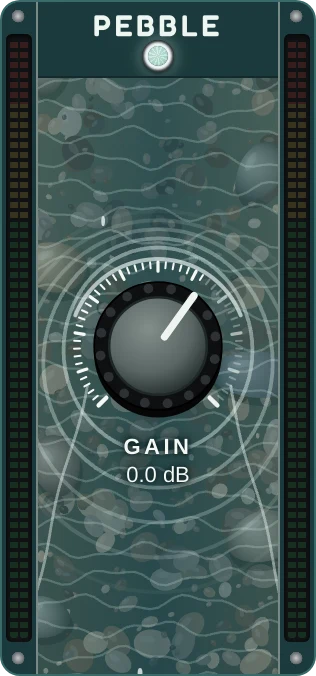
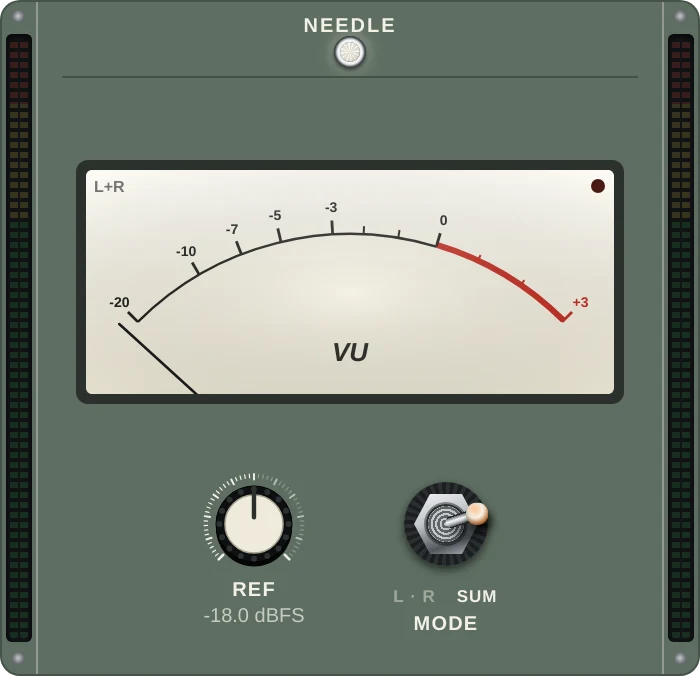
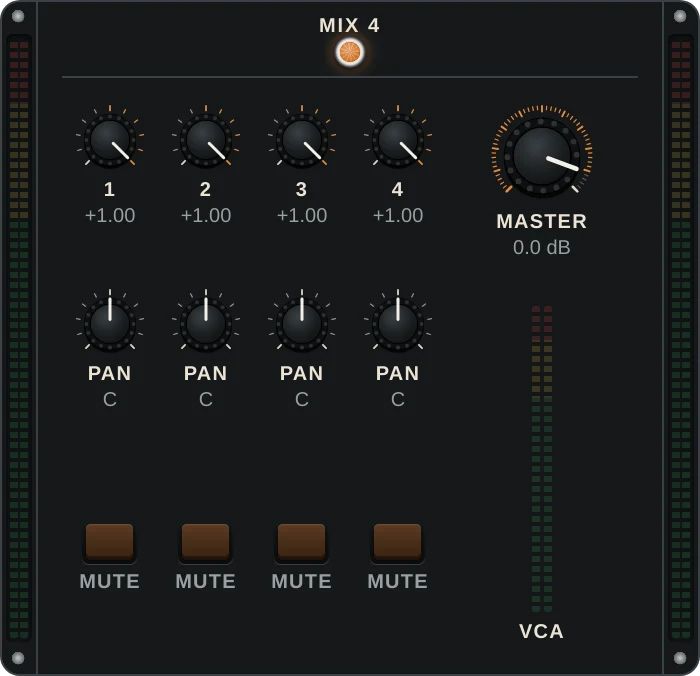
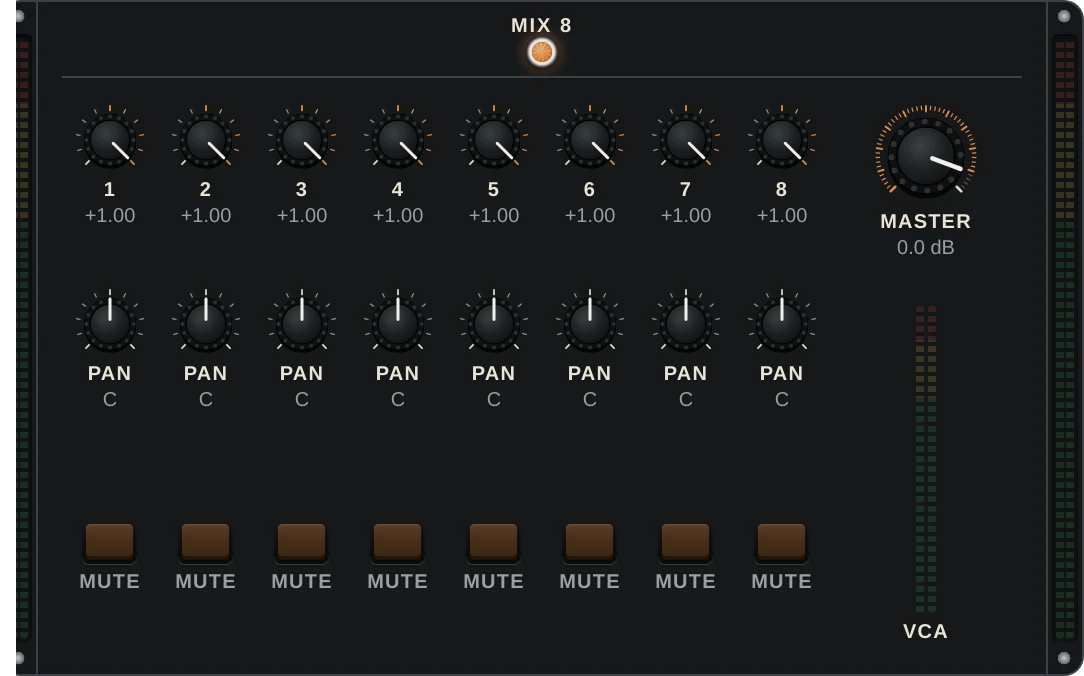
The board from inside Sweet Berta as a plugin of its own, to chain effects in any order on any track.
New
Chain effects in any order on any track
Chain up to 64 effects from board in to board out. Every free effect is ready to drop in, and a paid one joins the moment you own it.
Split the chain into lanes and blend them back together
Lanes run side by side and meet again at the end. The Rack holds 32 slots for modules and parallel chains, patched on the back.
Save a chain as a preset
A chain preset keeps each effect's controls and bypass, its macros and its MIDI mappings. It saves to your Ozner Audio folder in Music.
Reach your own chains from a MIDI controller
Your chains are programs from bank 11 up, each with a number fixed when you save it, counted from 1 as your DAW shows it: bank 11, program 1 loads the first. The browser shows the number and lets you renumber it, and your DAW's program list names them, so a setlist or a controller reaches your chains as it reaches the factory ones.
Set the plugin's final level with Master
Macro 8 is Master, as in Sweet Berta: the plugin's output level, from -60 to +6 dB and resting at 0 dB, after everything else. It is the plugin's own, so loading a chain preset leaves it where you put it, and your project saves it. Your DAW can automate it, and a MIDI controller can turn it.
Set how hard the chain is driven with INPUT
A small knob beside the IN meter trims what the chain is fed, from silence to +12 dB, in front of the whole board and rack. It rests at 75, which is 0 dB and passes every sample as it is. Set it once for your guitar and interface, or ride it to clean up the drives and let tails ring. It is the plugin's own: a chain preset never carries it and loading one leaves it where you put it, and your project saves it.
Shape the whole sound with the board EQ
An eight-band EQ on a side of its own, next to Front and Back, with its own spectrum. It sits after the board by default (Post FX) or in front of it (Pre FX), and an EQ button on the output bar turns it on and off. Off, it passes the sound untouched. It is part of the sound: a chain preset and your project both save it, and every factory chain has it off and flat.
Keep the output from clipping
A safety limiter at the very end of the output: nothing over -1 dBFS leaves the plugin, however hard the knobs are pushed. Below about -1.3 dBFS the sound passes untouched, and it adds no latency. It is on by default, with a switch in Settings, Audio, and your project saves it.
Control it with sixteen macro knobs and buttons
They work as in Sweet Berta: a controller you map once keeps working with every chain.
Every factory chain comes with its own knobs and footswitches
Each chain sets its macros to the few controls that matter for it, Gain, Tone, Space, Echo and the like, resting where the chain sounds. Its buttons are footswitches: one per stage, such as Squeeze, Echo or Verb, named for the pedal, lit while the pedal is on and loaded lit, so pressing one switches the pedal off, with Freeze, Dirt, Deep and the like where a chain has them. A footswitch you press lights off on the pedal too, and knobs and buttons are numbered 1, 2, 3 without gaps in the order of the pedals.
Start from a full pedalboard
Full Board is eight pedals in a row: a compressor, a boost, a light drive, a fuzz, a cranked amp, a chorus, an echo and a plate, each with its own footswitch. It loads with the compressor, drive, amp and plate on, and the boost, fuzz, chorus and echo off for you to switch on.
Open a session with an effect you do not own yet
The effect keeps its slot and every setting, bypassed, until you own it.
Make the window as large as you like
Drag the window to any size above its smallest and the board fills it, so on a big screen more pedals show before the scroll arrow. Loading a chain with more or fewer pedals never resizes it. The size is kept for each instance, apart from the Size setting.
Run it in your DAW or as a standalone app
It is an AU and VST3 plugin, and the manager places the standalone app in your Applications folder.
Turn it with the keyboard, in your DAW too
Tab turns the board between Front and Back, and Shift+Tab turns it the other way. Option+F and Option+B go straight there.