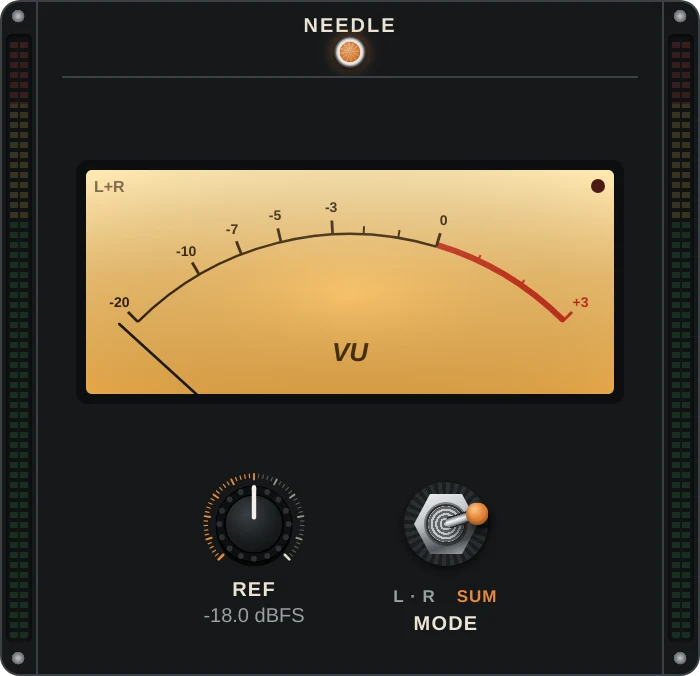
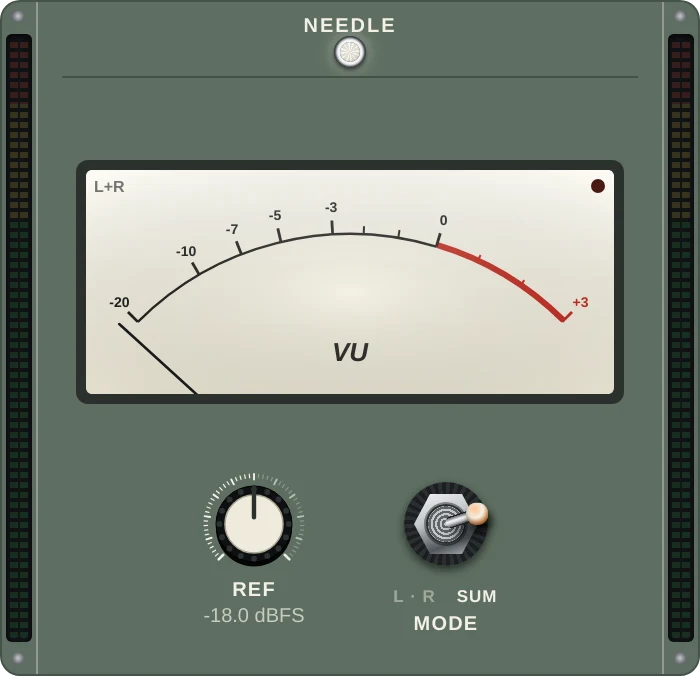
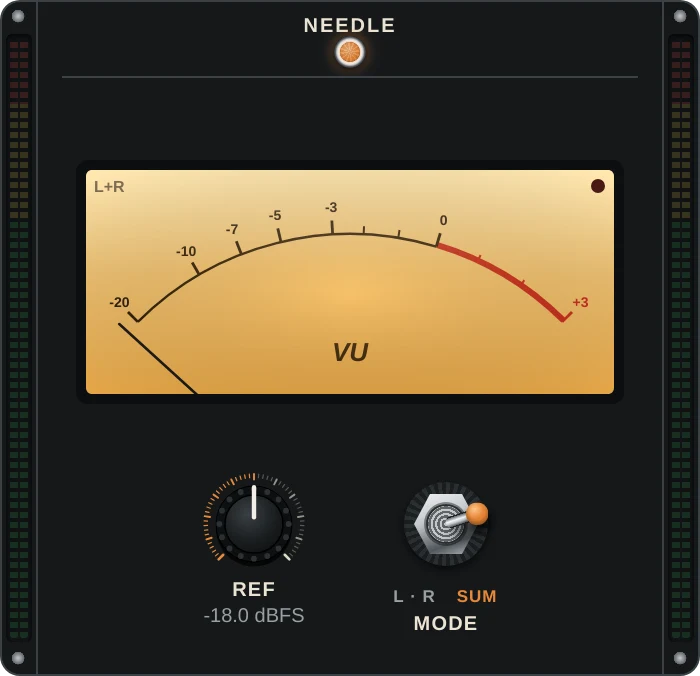
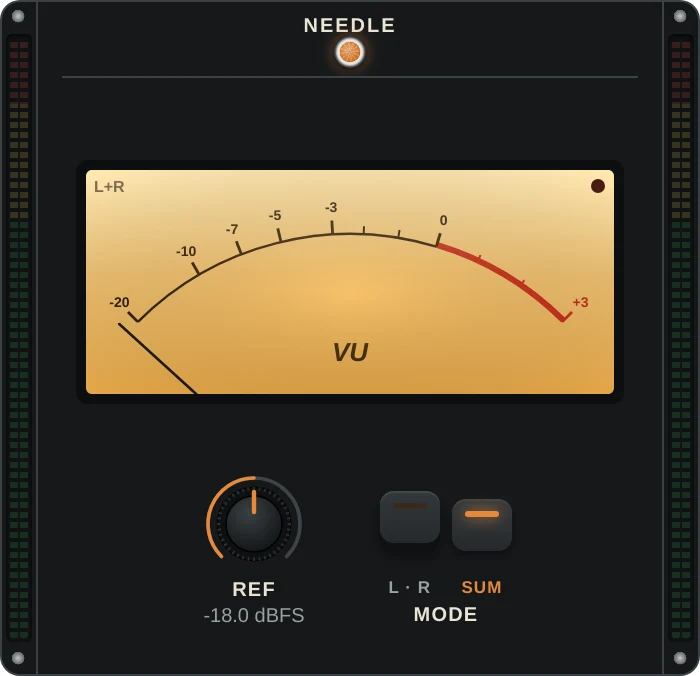
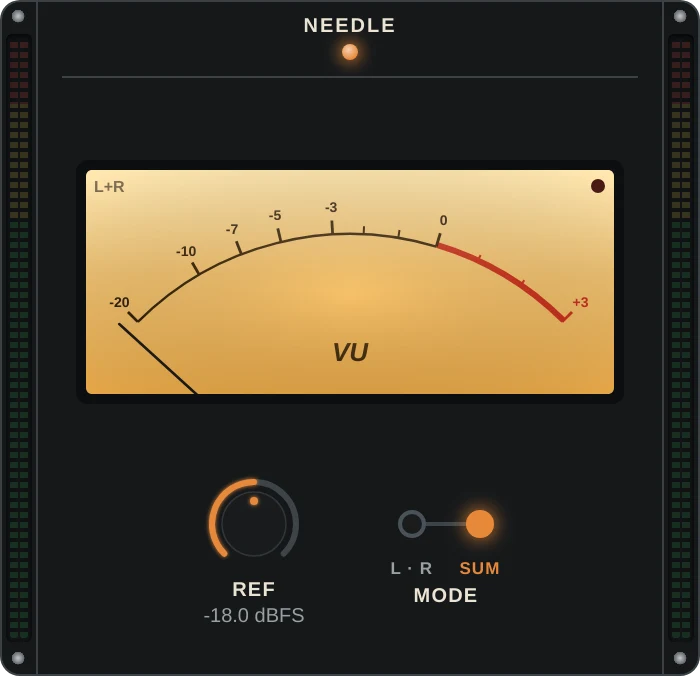
A pair of VU meters that show how loud something sounds, not how close it is to clipping.
New
See how loud something sounds, at a VU's own pace
The needles take about 300 ms to reach their height and read an average. A steady tone reads its level, and a drum loop's needle kicks near its average while its peaks go far higher. The sound passes through untouched.
Set the level that reads 0 VU
REF runs from -24 to -12 dBFS and starts at -18. A sine at that level puts the needle on 0.
Catch a clip
A PEAK light for each side lights when that side goes over 0 dBFS and stays on for 150 ms, so a single sample over shows.
Watch the two sides together or apart
In Sum mode one window shows both sides added and halved, the one level a single speaker plays. In L · R mode each side has its own needle.
Use the reading elsewhere
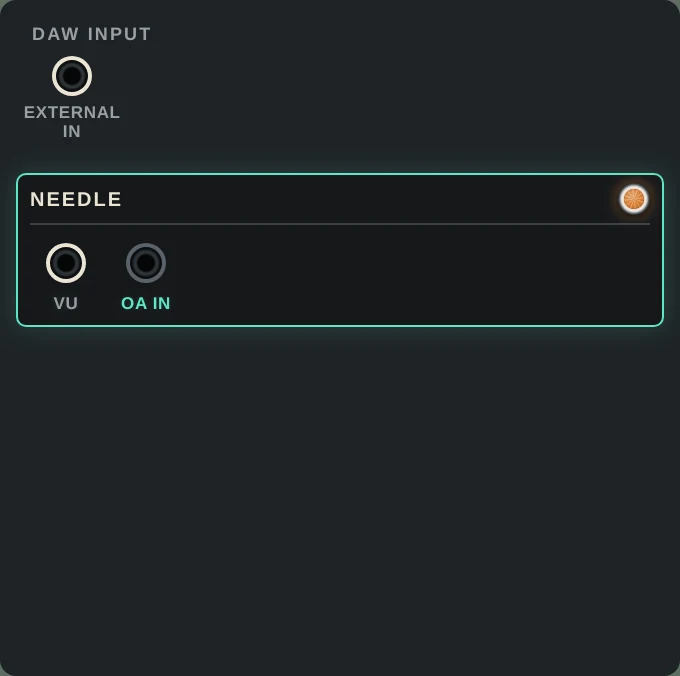
In OA Effects or the Rack, the VU output carries the reading, to patch into another control.
Turn it with the keyboard, in your DAW too
Tab turns the pedal between Front and Back, and Shift+Tab turns it the other way. Option+F and Option+B go straight there.