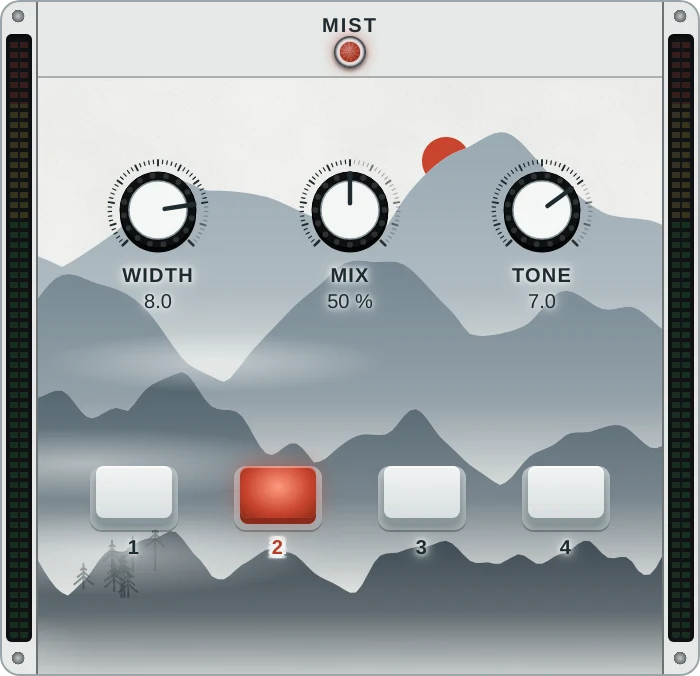
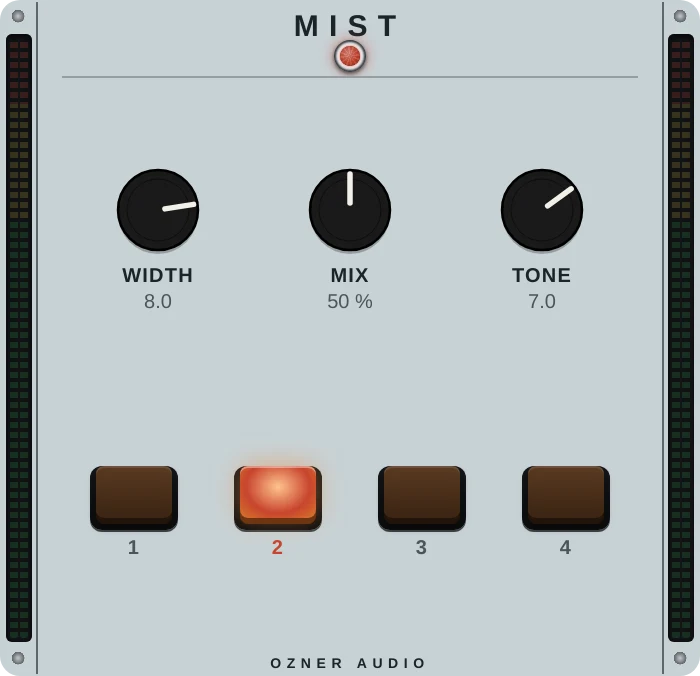
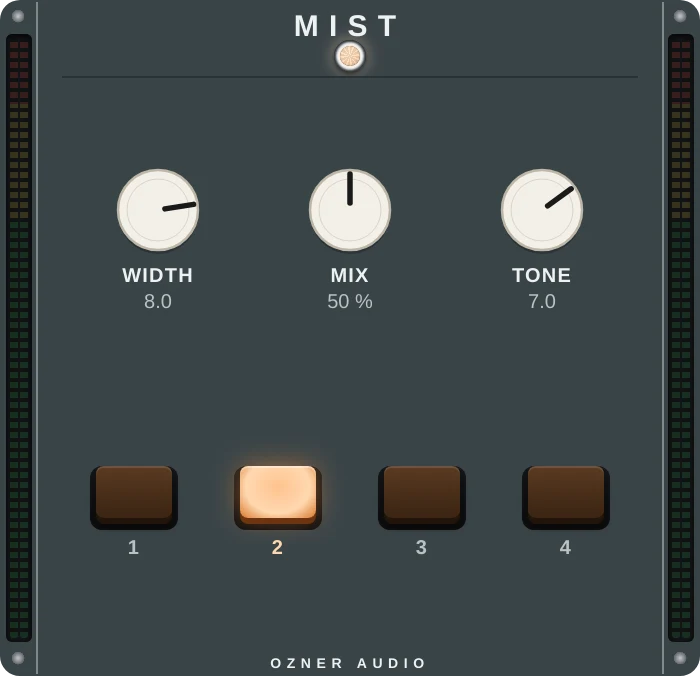
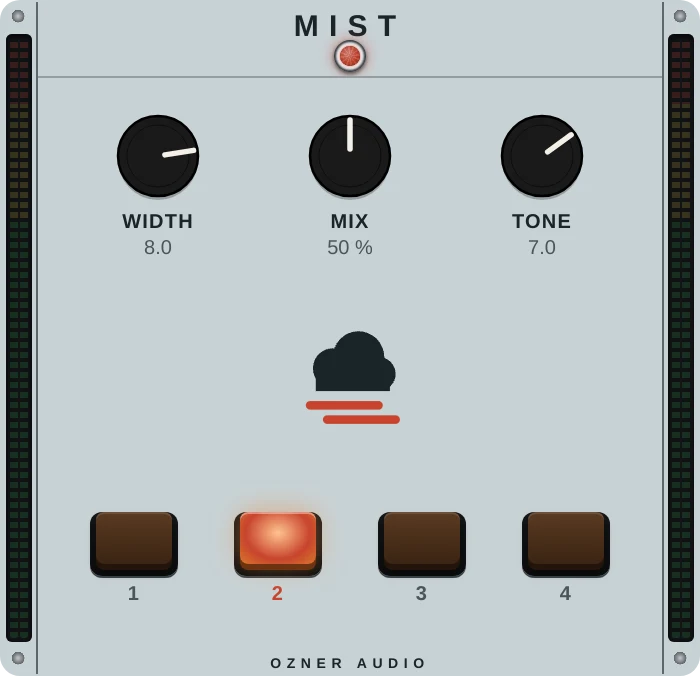
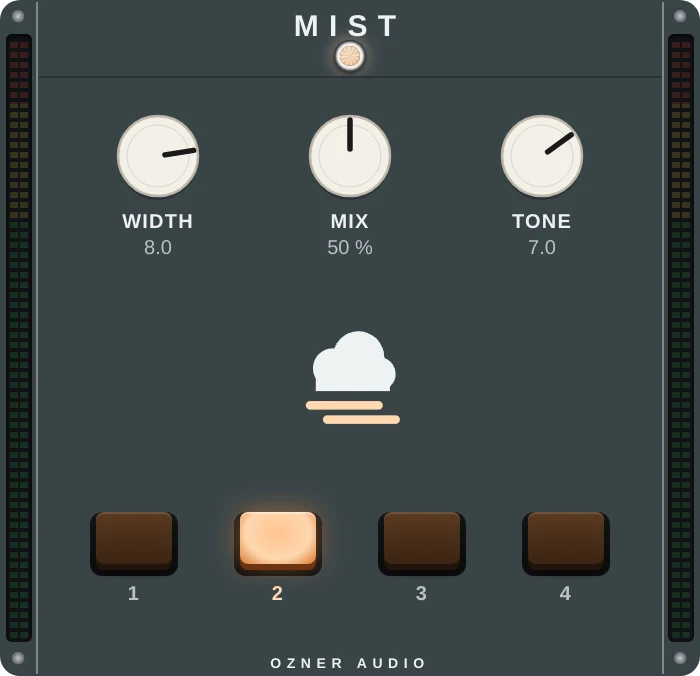
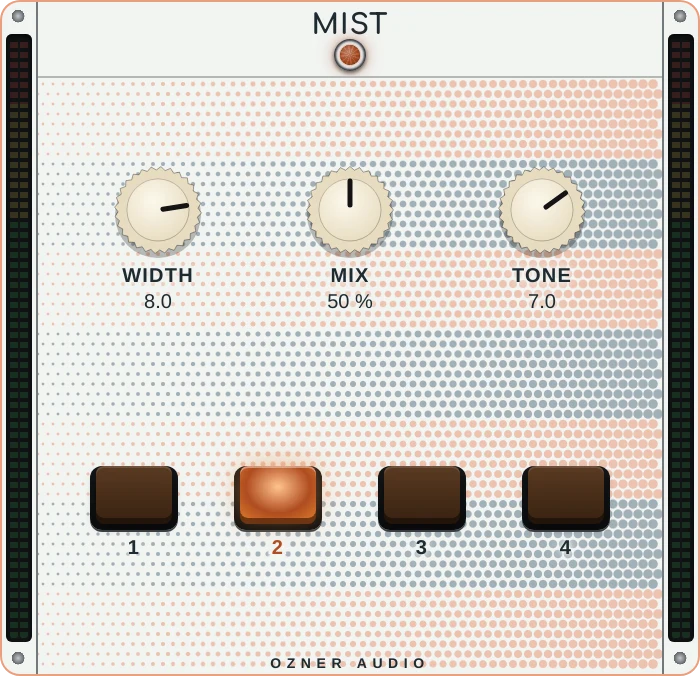
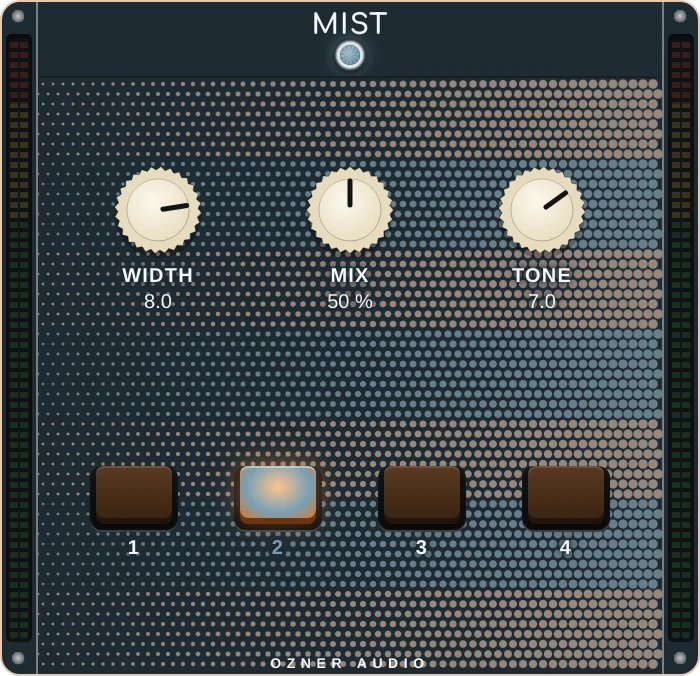
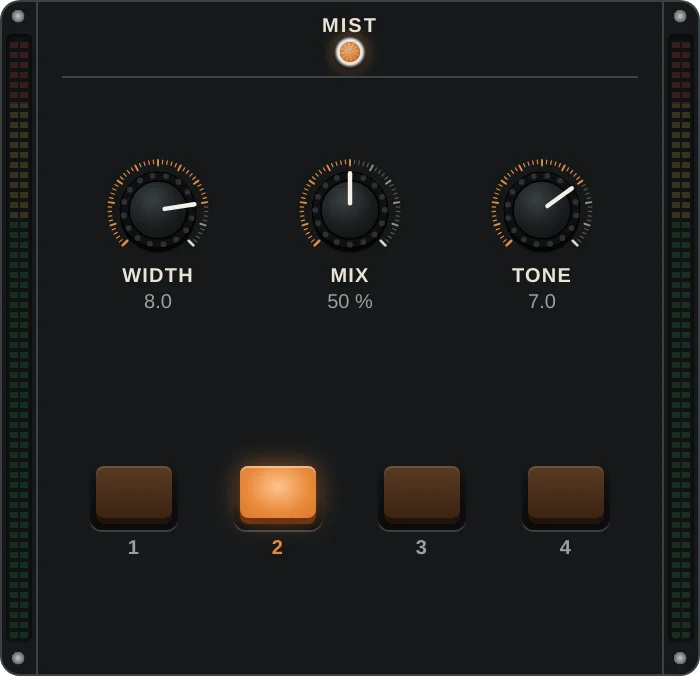
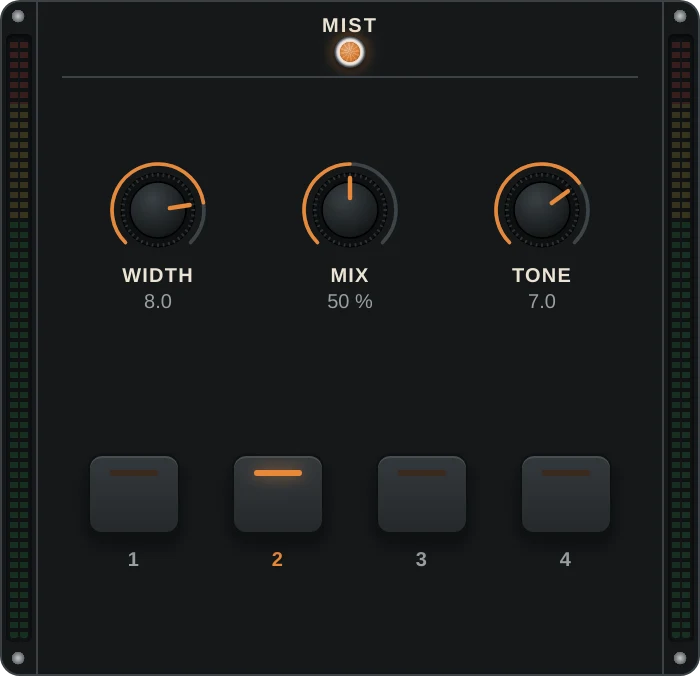
A wide, still studio chorus after the four-button choruses of the '80s, for synths, guitars and vocals.
New
Choose how strong the chorus is with four buttons
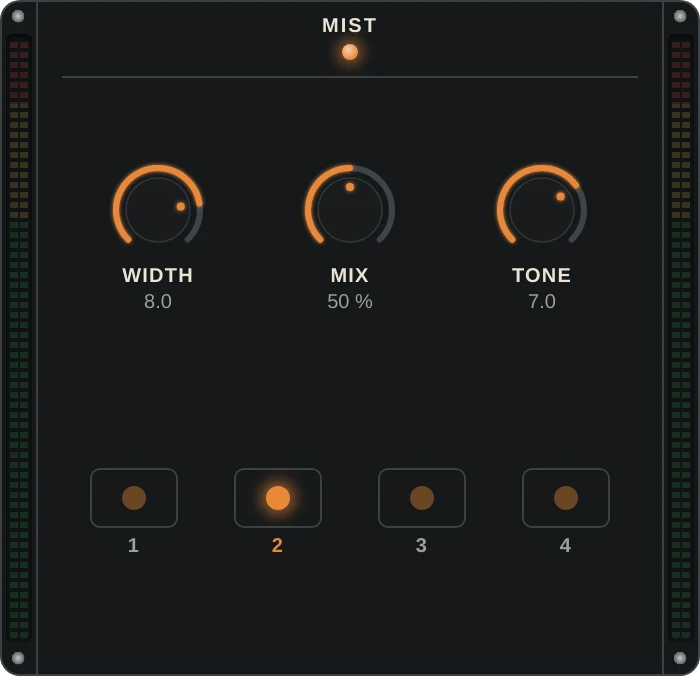
Button 1 is the subtlest and 4 the strongest, and any of them together give the shades between. Button 2 alone is the default. With none in, the chorus is off and the sound passes through unchanged.
Get width without wobble
The chorus sways the two sides' pitch in opposite directions, so the sway is heard as width rather than as a wobble in the middle. Width runs from 0, the chorus in the middle, to 10, which spreads the sound past the speakers.
Darken the chorus without dulling the dry sound
Tone is a low-pass on the chorus alone, from 1.5 kHz at 0 to 18 kHz at 10. Mix blends the chorus with the dry signal.
Take the chorus on its own
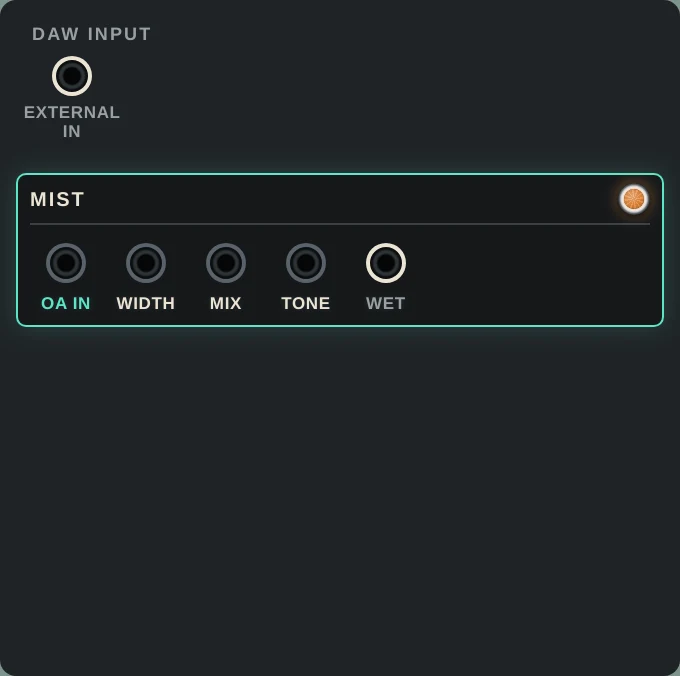
The Wet output carries the chorus voices alone, whatever Mix says.
Keep the lows out of the chorus and set the level back
Advanced, in the title menu, with Option+A or with Tab from the Front, flips the tile to Dry Below and Make-up. Dry Below keeps the lows out of the chorus, which smears bass: Off, 50, 120, 200 or 300 Hz, Off by default, where the whole signal is chorused. Make-up is -12 to +12 dB on Out, after the mix; at 0 dB, the default, it leaves the level alone. Wet is untouched.
Turn it with the keyboard, in your DAW too
Tab turns the pedal Front, Advanced and Back, and Shift+Tab turns it the other way. Option+F, Option+B and Option+A go straight there.