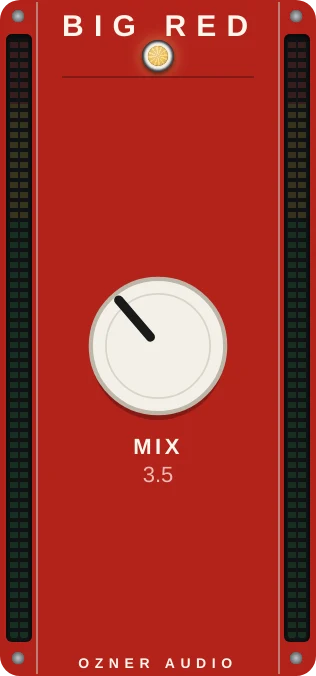
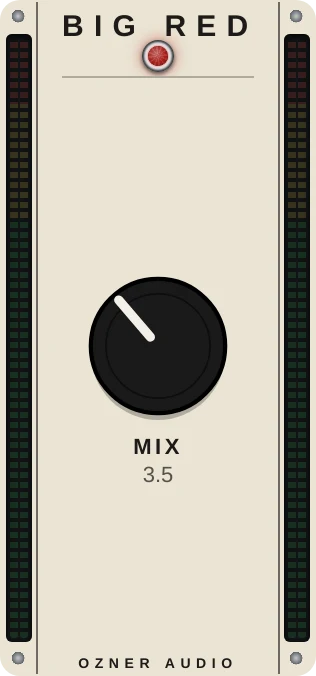
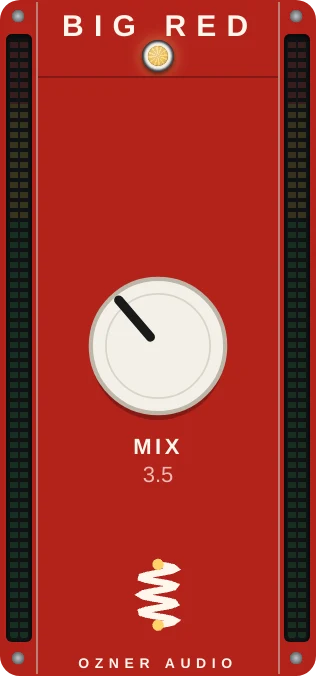
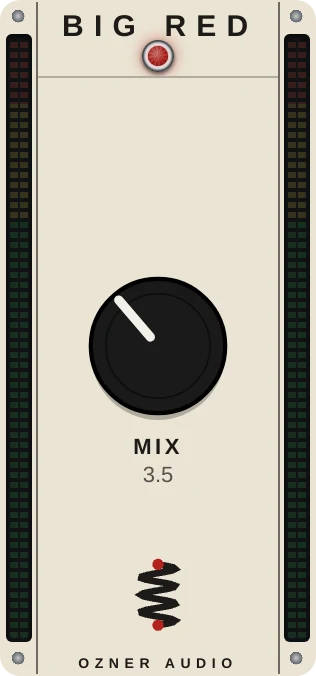
A three-spring reverb on one knob, from a touch of ambience to a drenched wash.
New
Blend in a spring reverb with a single knob
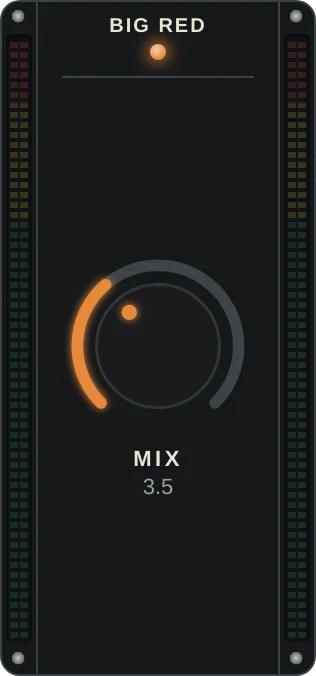
Mix runs from a touch of ambience to a drenched wash, and everything else is already set for you. At 0 the sound passes through unchanged.
Make the springs boing on cue
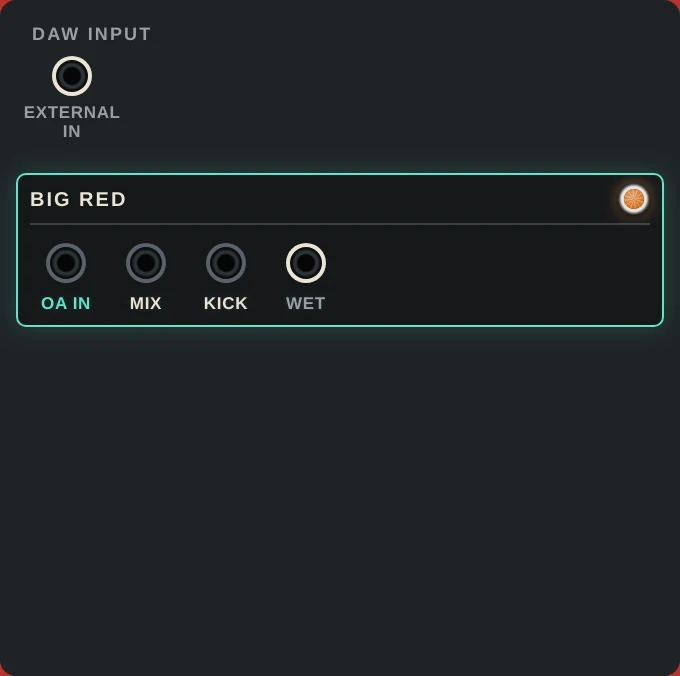
In OA Effects or the Rack, patch a pulse into the Kick jack and each rising edge sets the tank off. It kicks only what is already ringing, so a silent reverb stays silent.
Keep the stereo image
Each side has a spring tank of its own, so a sound on the left alone rings on the left alone.
Take the reverb on its own
The Wet output carries the springs alone, whatever Mix says, so you can send them down a chain of their own while Out stays dry.
Pick one of four faces
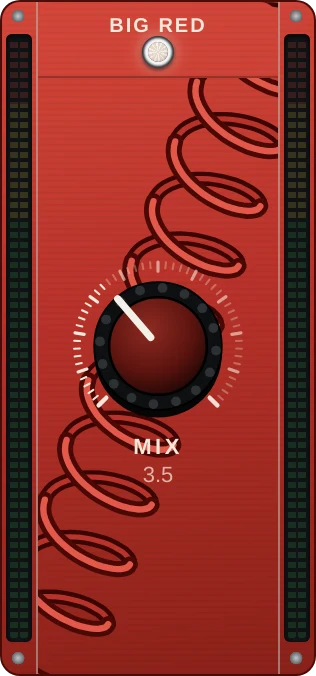
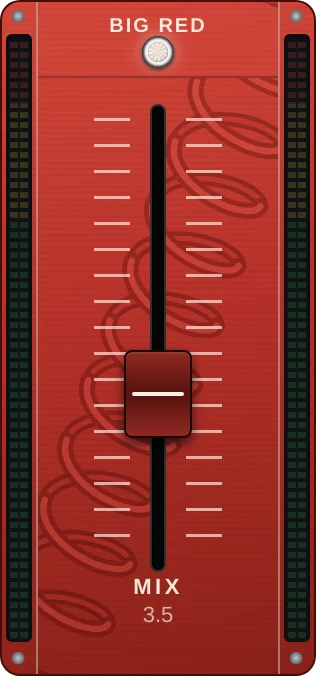
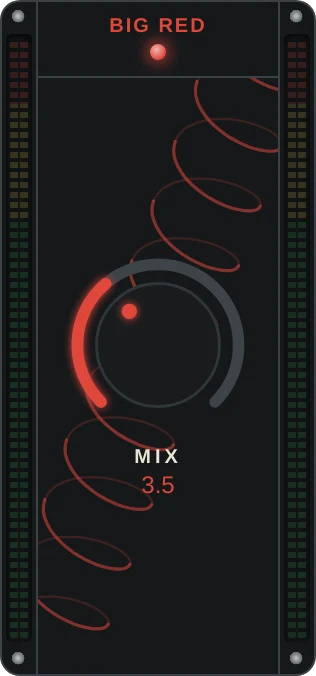
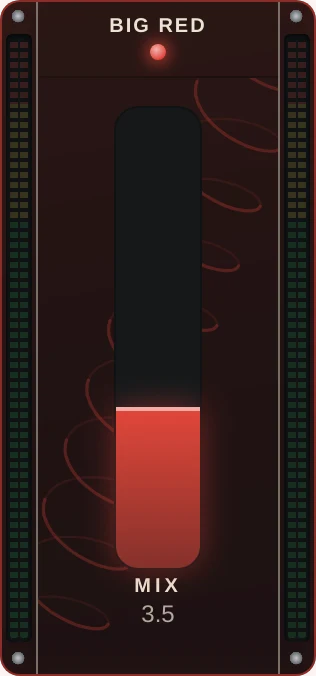
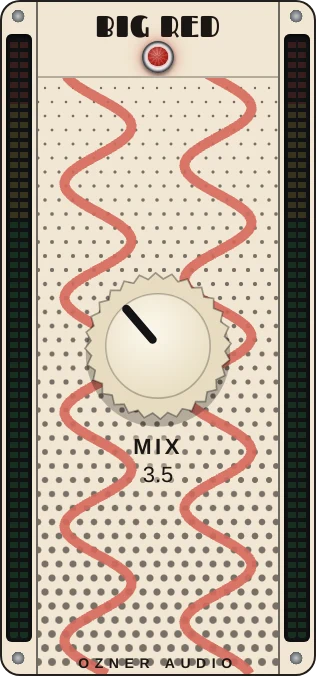
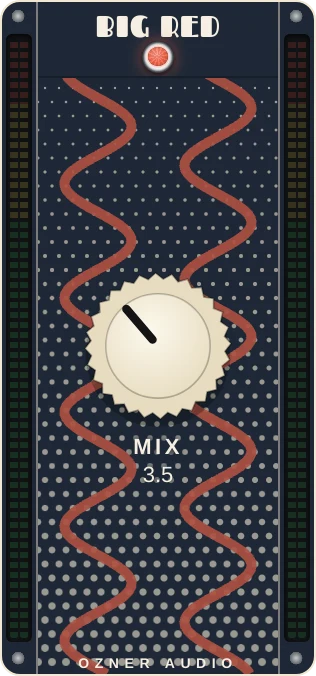
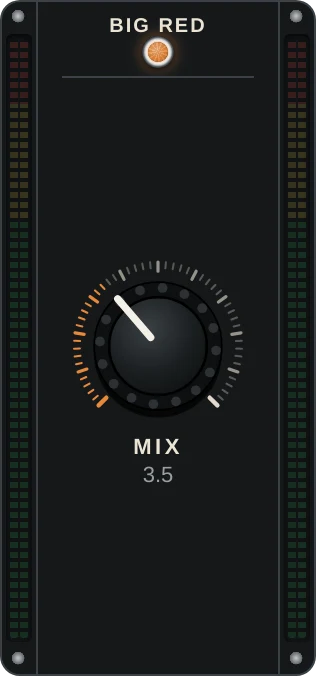
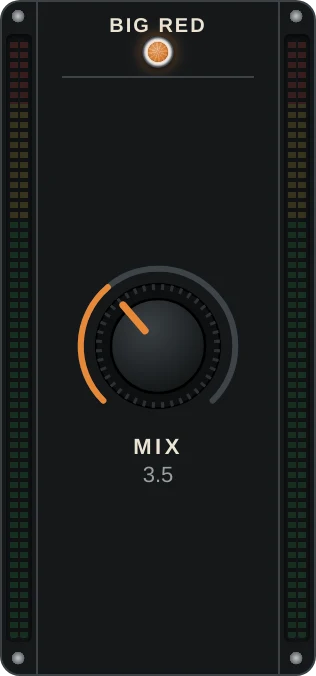
Spring and Tank are printed red plates, Spring with a big knob and Tank with a long fader. Neon and Ember are lit dark faces that glow red. The face changes how it looks and never how it sounds.
Turn it with the keyboard, in your DAW too
Tab turns the pedal between Front and Back, and Shift+Tab turns it the other way. Option+F and Option+B go straight there.
Keep the dry, or fade it out
Advanced in the title menu flips the tile to Dry, so the one knob stays the one knob. Keep, the default, holds the dry at full and Mix adds the reverb on top, as a pedal in line does; Fade is the classic dry-to-wet spring, Mix crossfading the dry out to reverb only at 100% without the level rising or falling on the way, for a Split lane or a return track.
Bring a wet reverb back to level
Advanced in the title menu holds Make-up beside Dry: -12 to +12 dB on Out, after the mix, so a very wet or fully wet Big Red is set back to level on the pedal itself. 0 dB, the default, is the sound as before. Wet is untouched.