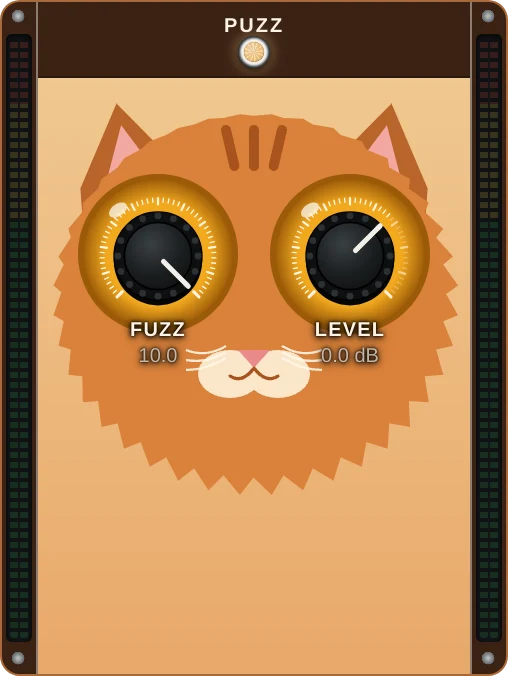
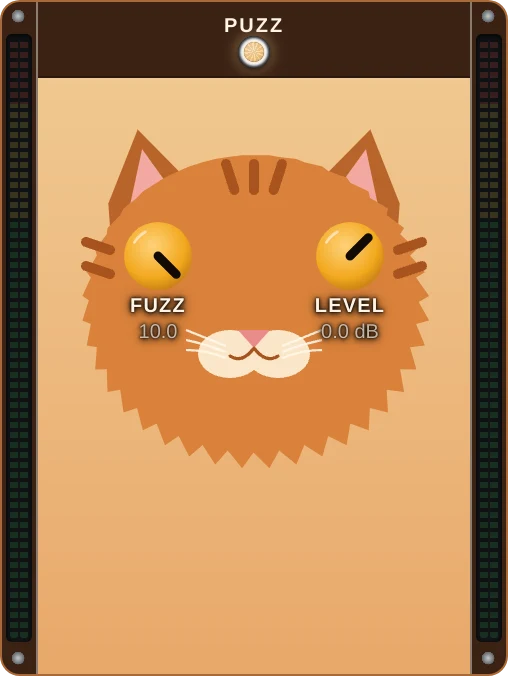
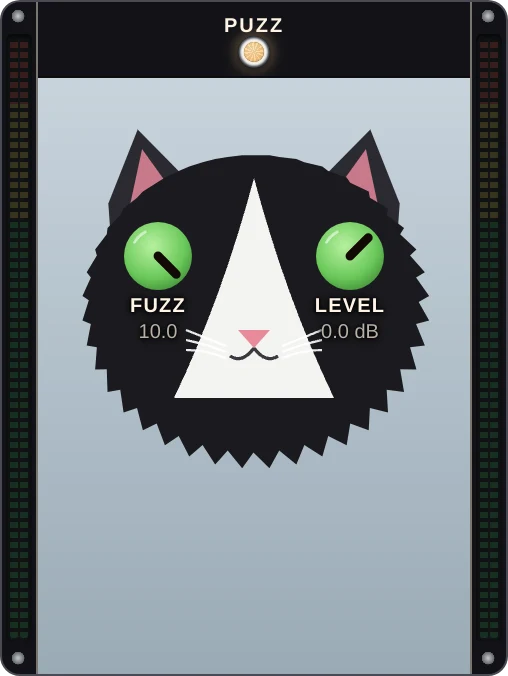
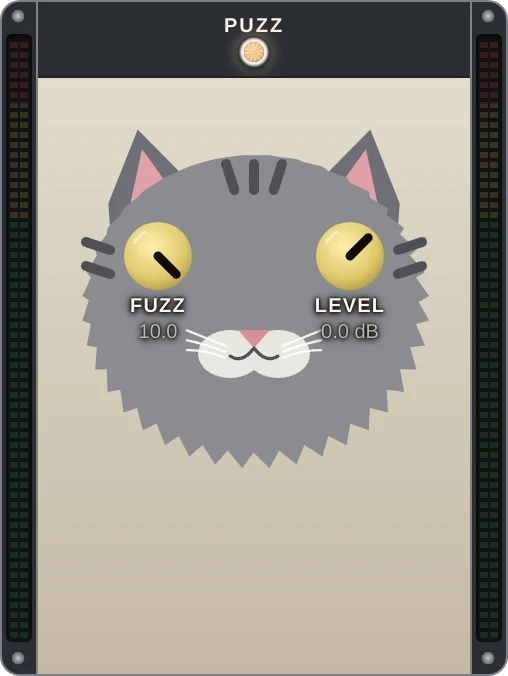
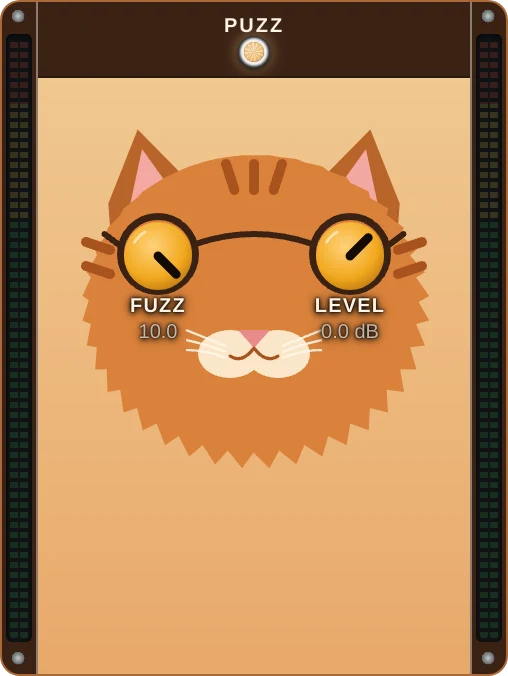
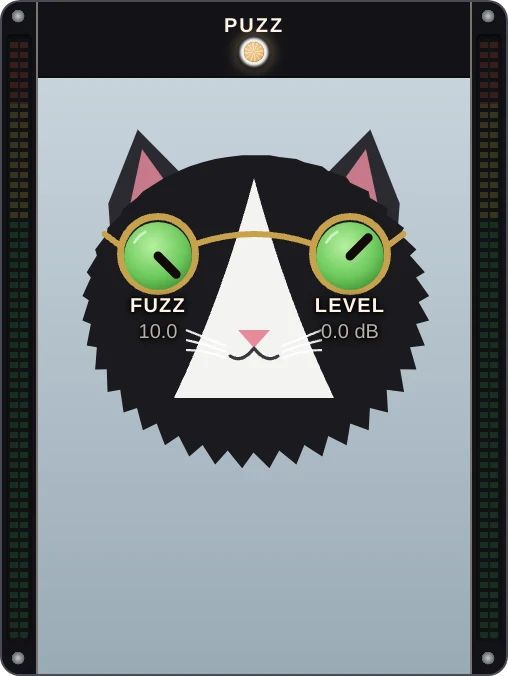
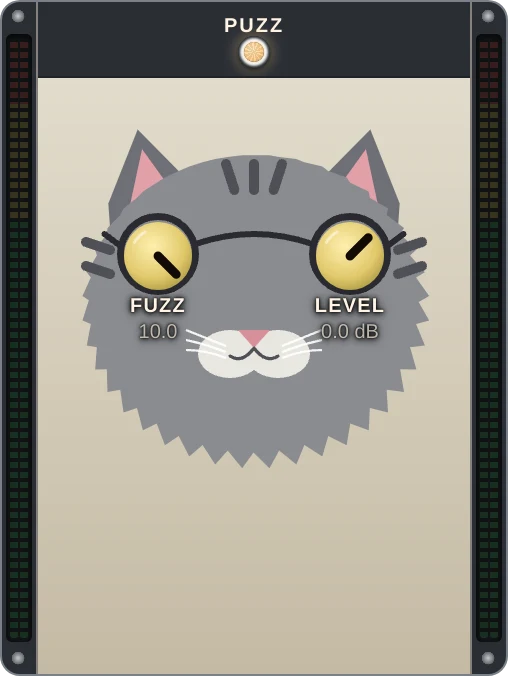
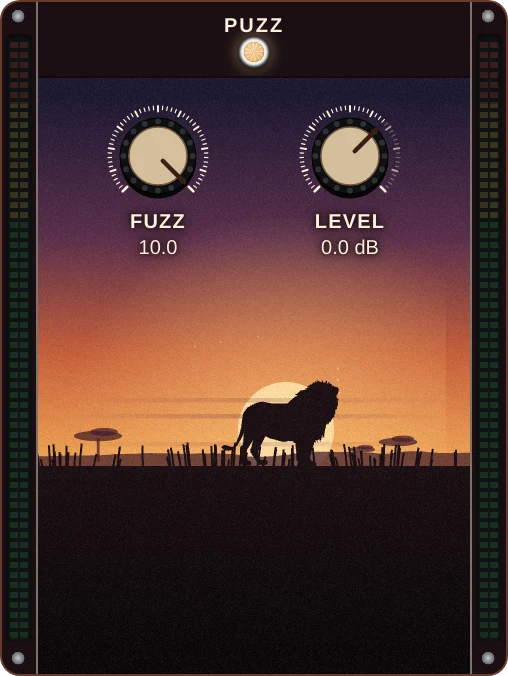
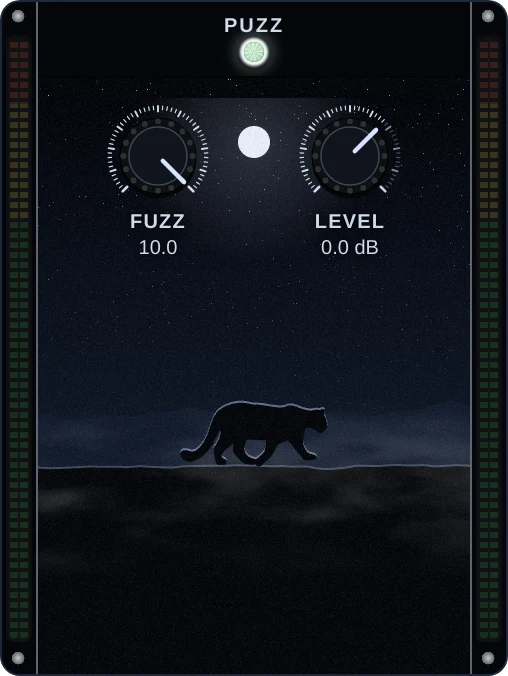
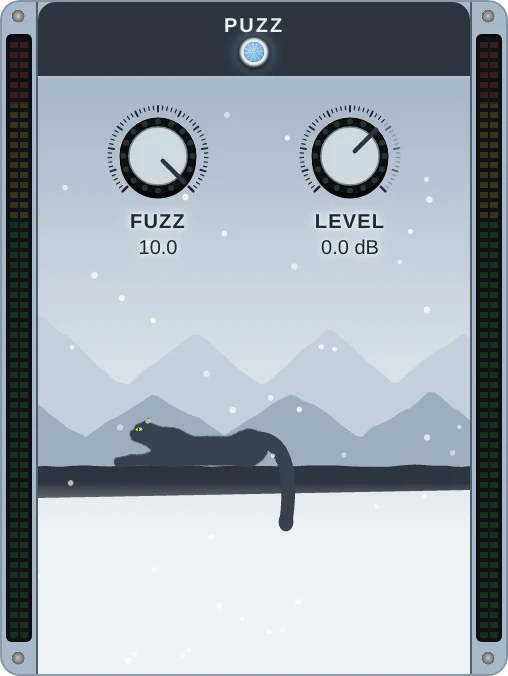
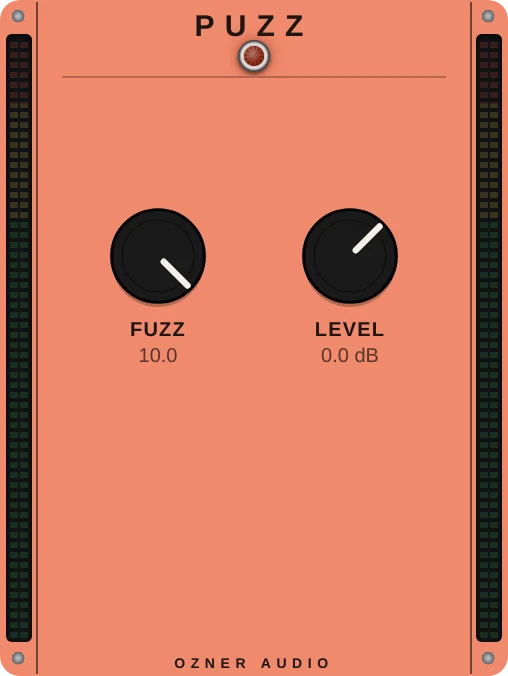
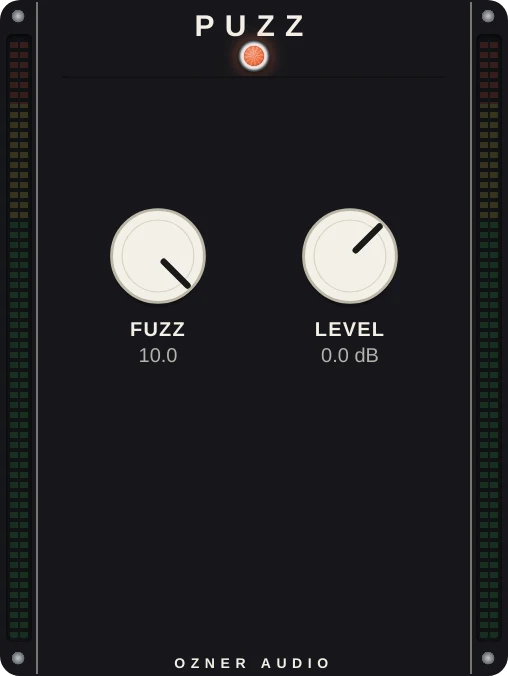
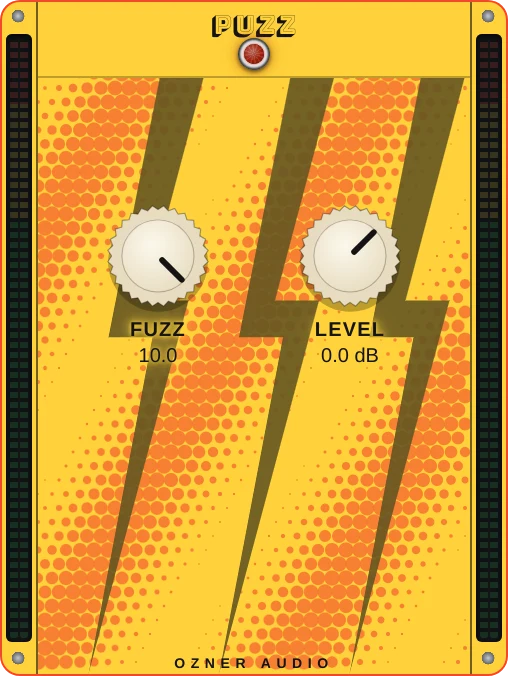
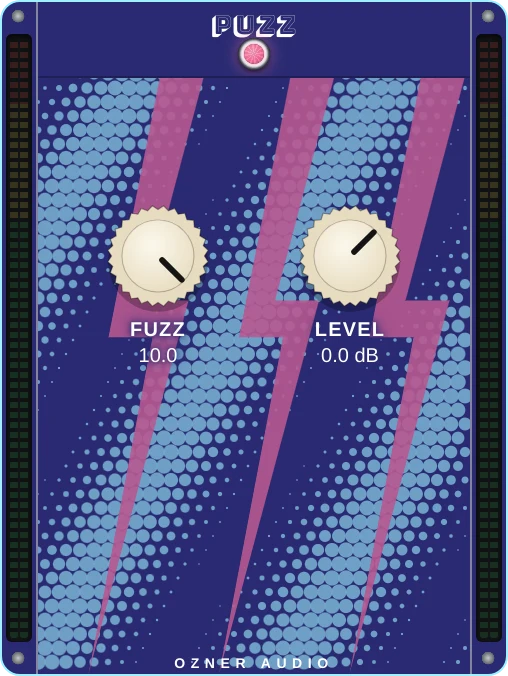
A germanium fuzz after the classic 1966 two-transistor pedal, modelled as its circuit: thick, ragged and woolly.
New
Get a thick, ragged, woolly fuzz that behaves like the pedal
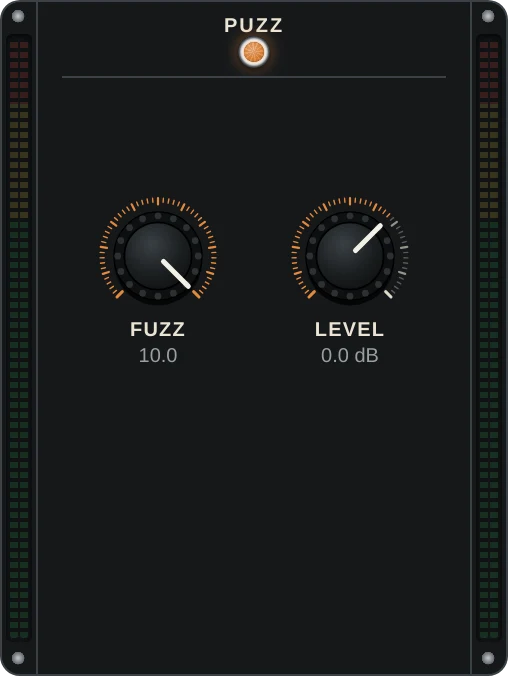
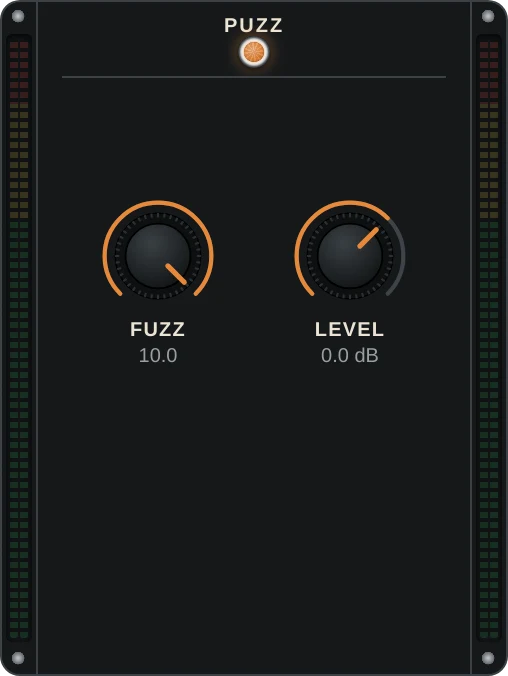
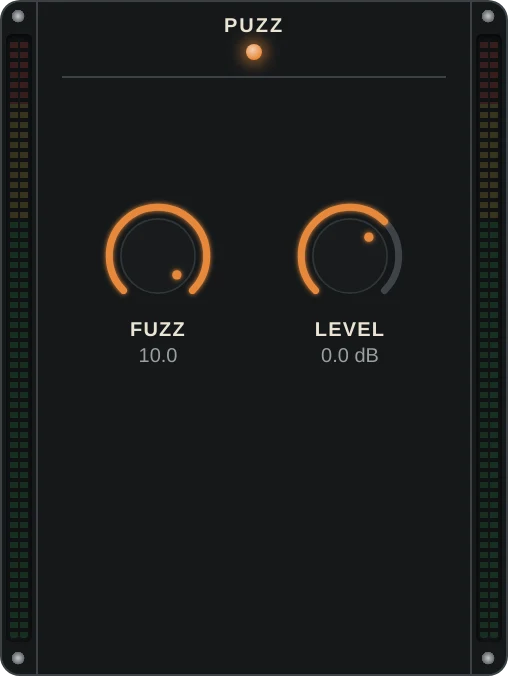
The two transistors and every part around them are modelled sample by sample. Fuzz sets how much, and the last stretch of its travel does the most, from about 27 dB of gain at 7.5 to 45 dB at 10. Volume sets the level, about as loud as it went in at 7.5. Fuzz is on the left and Volume on the right, in the order the sound meets them, as the pedalboard runs left to right.
Let the battery run flat
Bias is the battery. Turned down, its voltage falls and its resistance rises, so quiet playing gates out and loud playing sputters.
Clean it up, or hit it harder, with Input
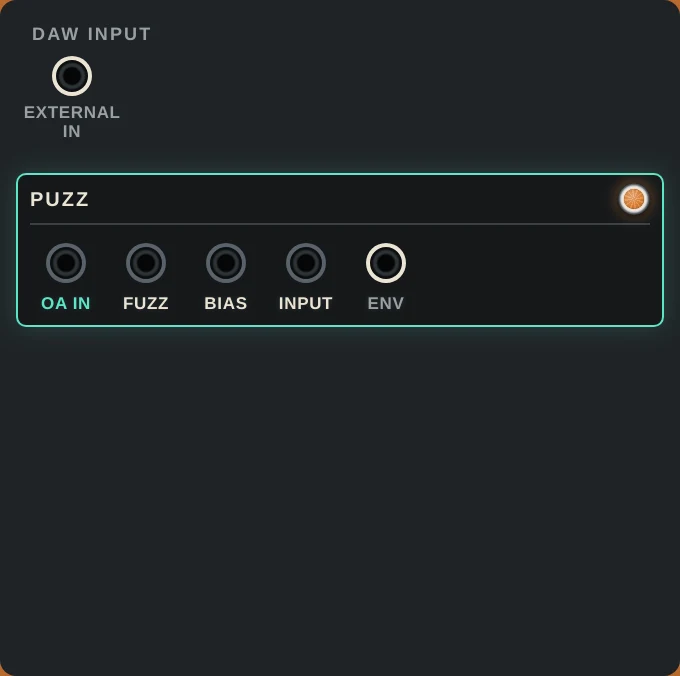
Input is a plain trim into the fuzz, in dB, from -24 to +12 and at 0 by default. Turned down it cleans the fuzz up, as the guitar's volume turned down does; turned up it hits the fuzz harder, as a boost in front does. It takes the place of Cleanup, which modelled the guitar's volume pot and cleaned up all in its first notch. It is in Advanced, and an envelope into its jack (Cv 3) cleans a note up as it decays.
Keep the same level at every setting
Unity is on by default. Turning Fuzz, Bias or Input changes the tone and not the loudness: the output is matched to what comes in, and Level sets how much louder or quieter, in dB, with 0 as loud as the dry sound and the bottom silent. Level takes Volume's place on the face while Unity is on; turn Unity off in Advanced for the pedal's own Volume.
Let how hard you play move other controls
In OA Effects or the Rack, patch the Env output into another control. It follows how loud the sound going in is, so your playing moves it.
Play it in stereo
Each side has a circuit of its own, so a sound on the left alone stays on the left.
Turn it with the keyboard, in your DAW too
Tab turns the pedal between Front and Back, and Shift+Tab turns it the other way. Option+F and Option+B go straight there.