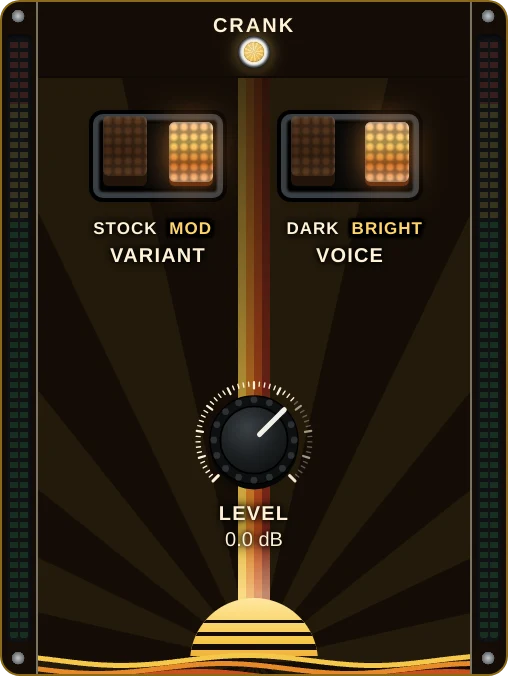
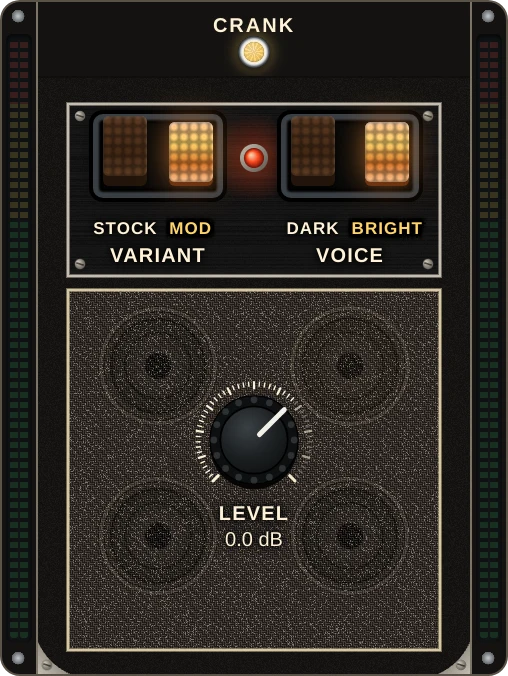
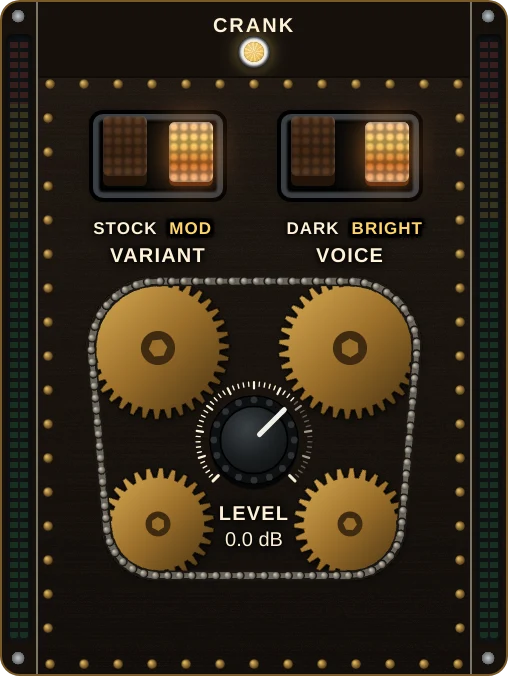
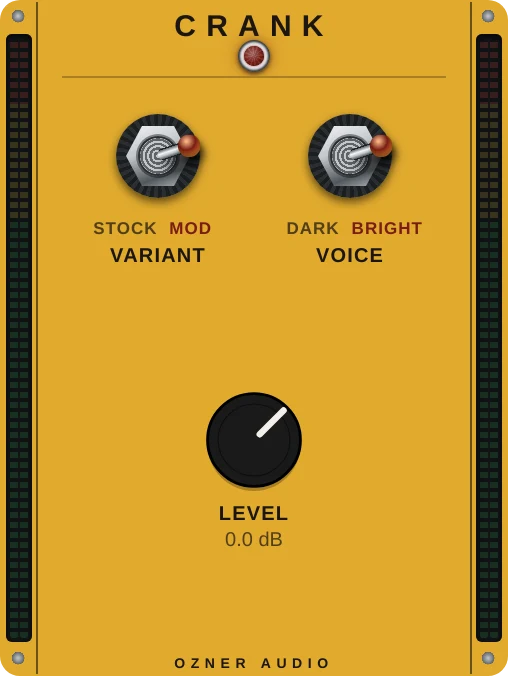
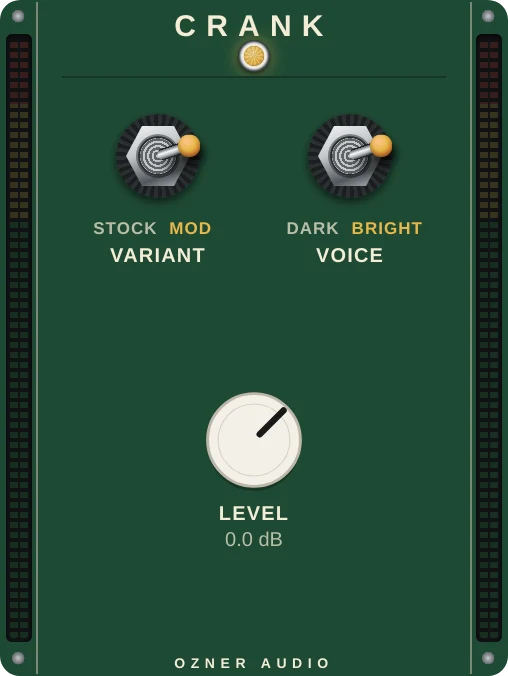
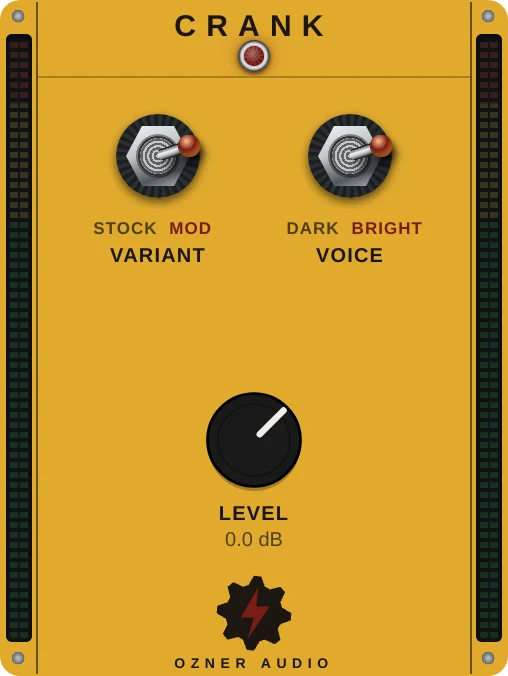
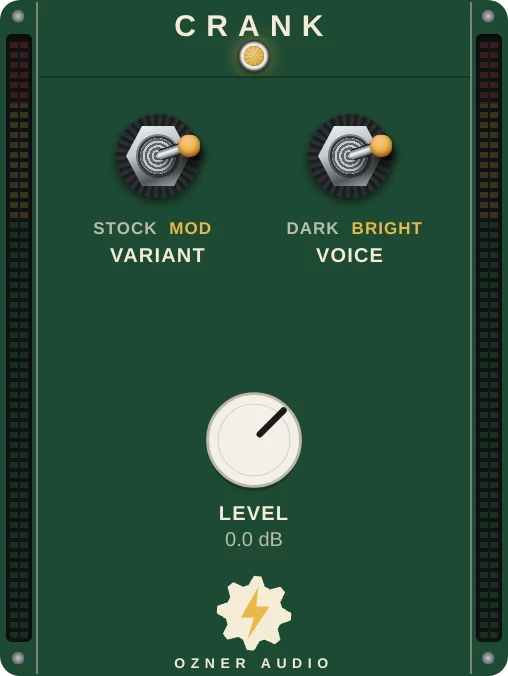
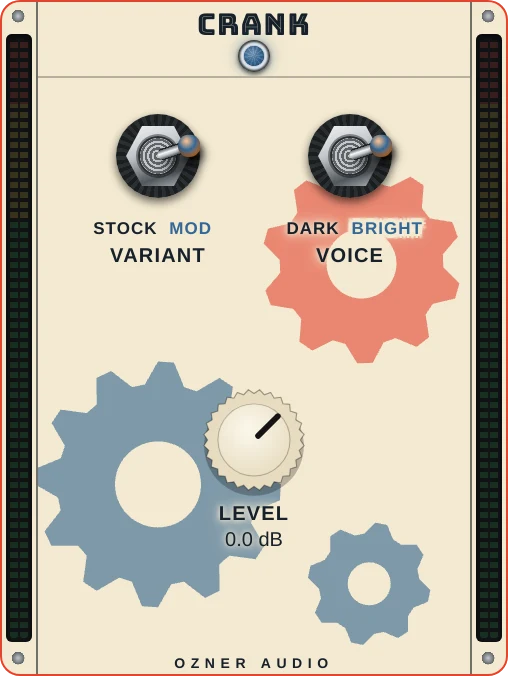
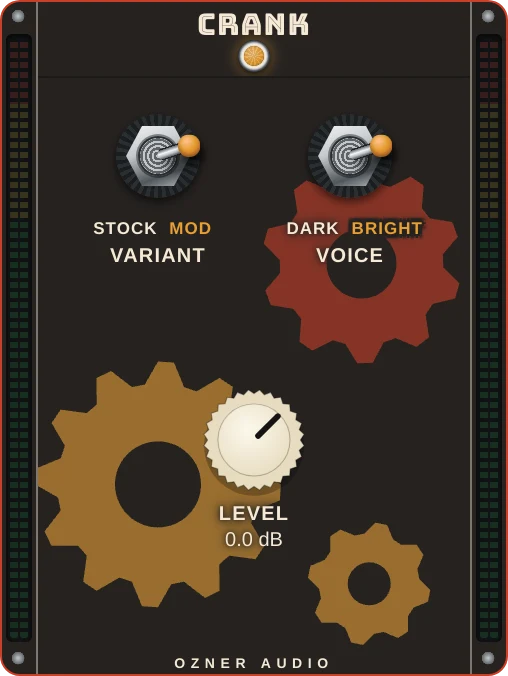
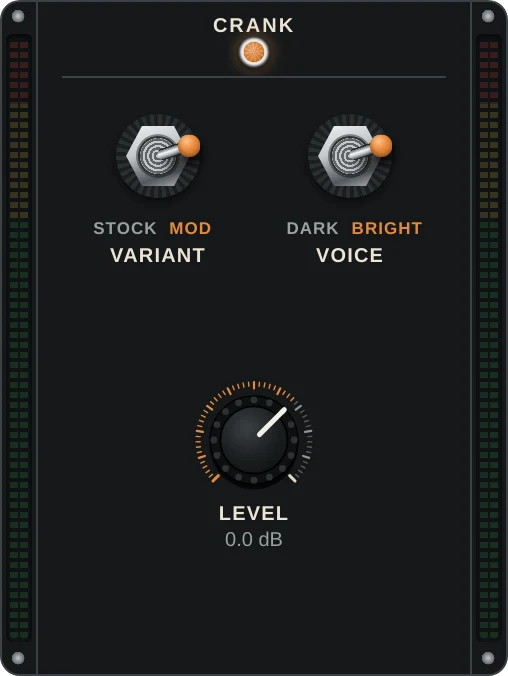
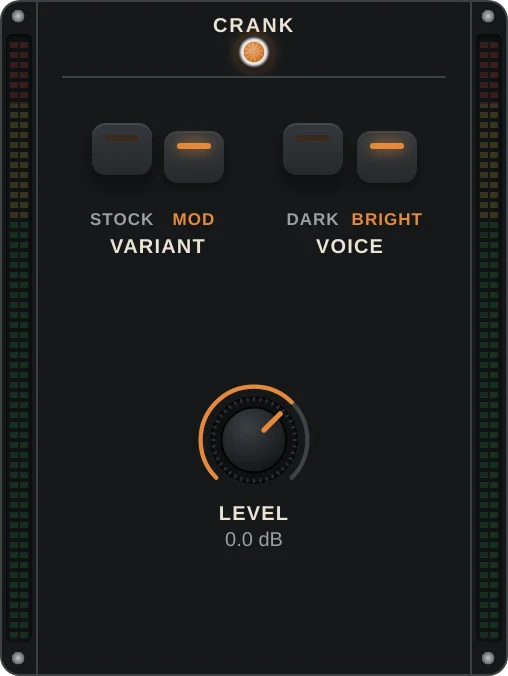
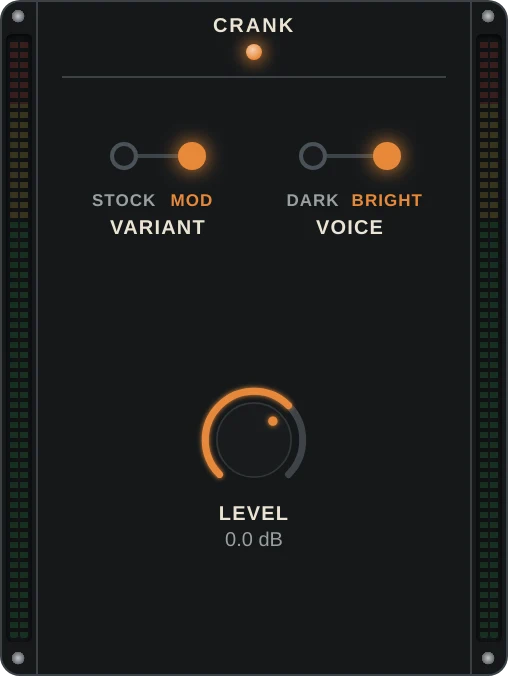
A tiny amp turned all the way up: huge, dark and raw, almost a fuzz.
New
Get a cranked small amp that reacts to how you play
Two power-amp chips in a row are driven far past their limits. The 9 V supply sags under a loud note and recovers as it dies, so it squeezes and blooms as you dig in and cleans up a little as you play softer.
Start with one knob, then open it up
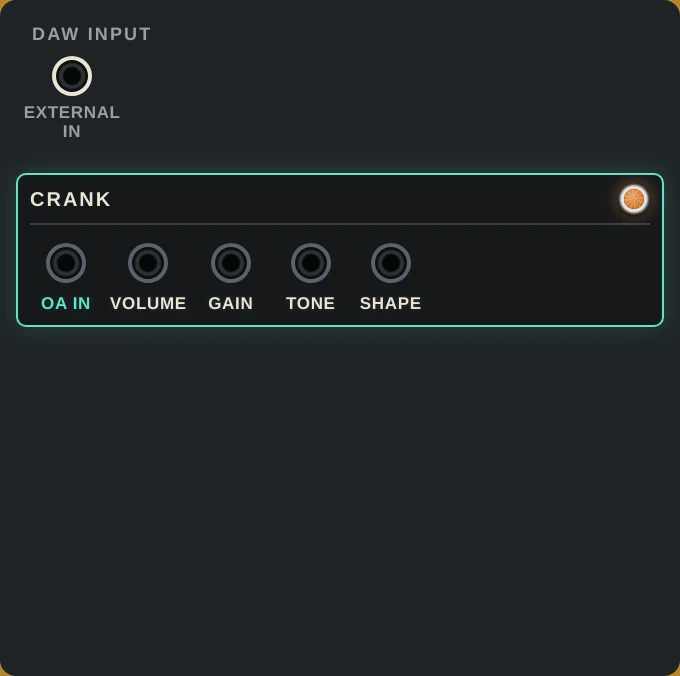
Stock has Volume alone, with the gain fixed at full as on a cranked amp. Mod adds Gain for a grittier crunch that cleans up sooner, Tone from dark and woolly to bright and cutting, and Shape to scoop the mids or fill them back in.
Pick the circuit as built or a heavier voice
Bright is the circuit as it is. Dark is woollier and heavier, a doom wall, with 13 to 17 dB less top end at the same loudness, and goes beyond the original circuit, which has no such switch.
Play it in stereo
Each side runs a circuit of its own with its own supply, so a sound on the left alone stays on the left.
Turn it with the keyboard, in your DAW too
Tab turns the pedal between Front and Back, and Shift+Tab turns it the other way. Option+F and Option+B go straight there.
Keep Mod as loud as Stock, and set its grit
A recovery transistor after Mod's tone stack wins back the level the stack takes, so Mod plays as loud as Stock at the same Volume, with a touch of saturation. Gain is as hard a drive as Stock's at full, and it no longer costs level. Advanced in the title menu flips the tile to Recovery, the transistor's drive: down for a clean lift, up for thicker, grittier saturation, at the same loudness. Stock is untouched.
Keep the same level at every setting
Unity is on by default. Turning Gain, Tone, Shape, Recovery or Voice changes the tone and not the loudness: the output is matched to what comes in, in Stock by one gain and in Mod from a table, and Level sets how much louder or quieter, in dB, with 0 as loud as the dry sound and the bottom silent. Level takes Volume's place on the face while Unity is on; turn Unity off in Advanced for the amp's own Volume.