A low-end enhancer, so a bass reads on phones and laptops and still has weight on big speakers.
New
Make a bass heard on speakers too small to play it
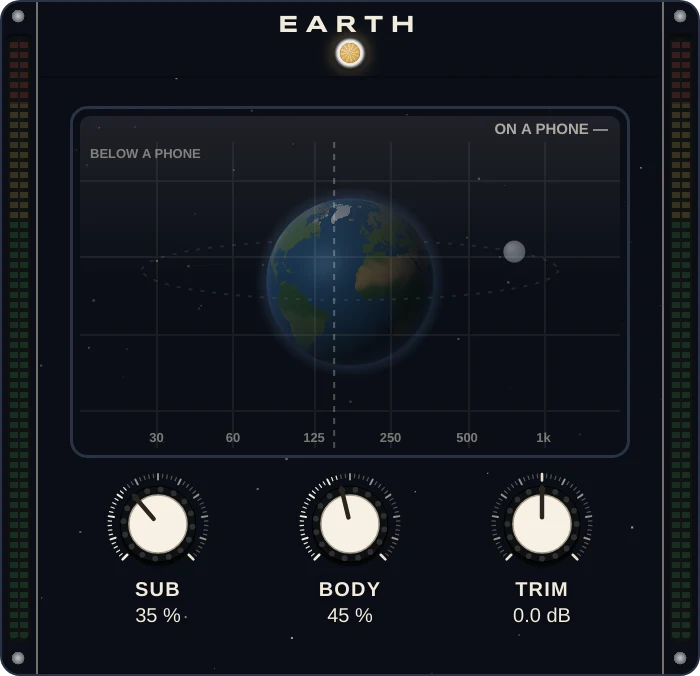
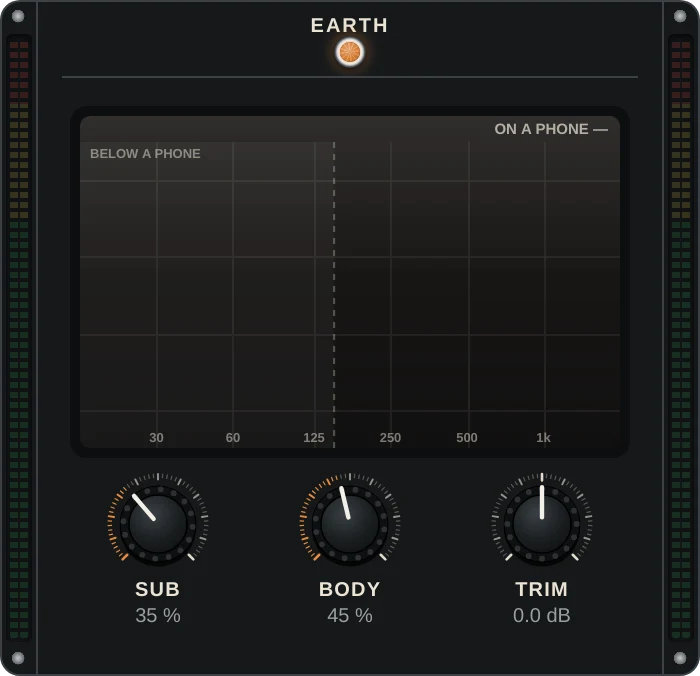
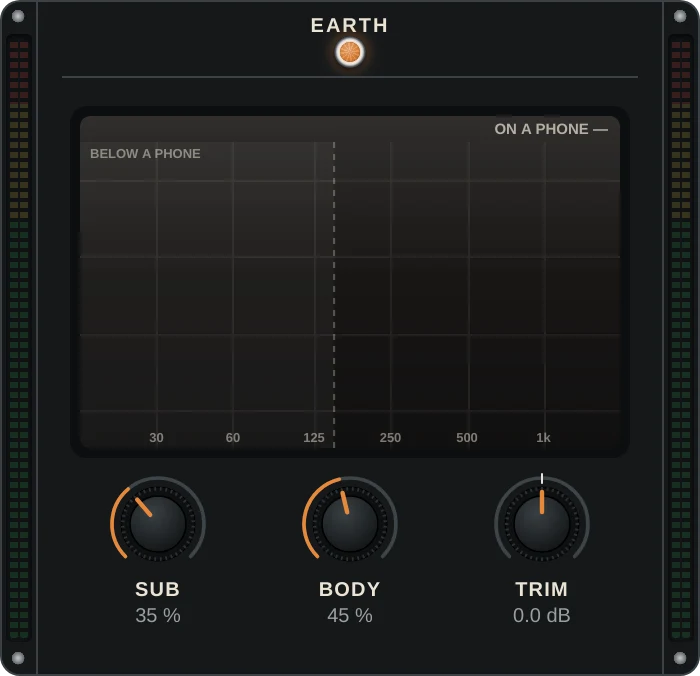
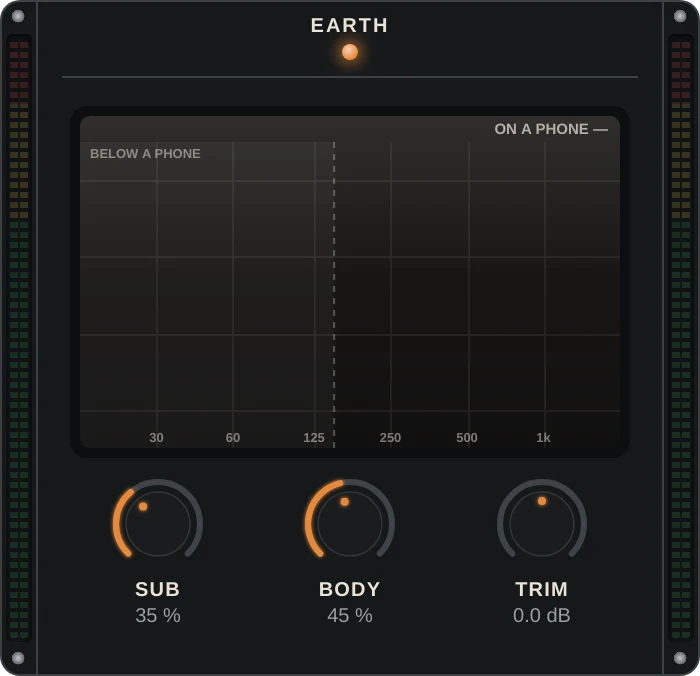
Body adds the note's harmonics back above about 150 Hz, where a phone or a laptop still plays, and the ear hears the note from them. A 55 Hz note through a phone's speaker is 35 dB down dry, and 6 dB down with Body full up. It follows the note as it falls or changes, so a plucked or fading bass keeps its harmonics to the end, and they trail the note by about 5 ms. They are made from the note's own fundamental, so a saw or a pulse gives clean harmonics, with nothing past the 6th and nothing added once the note ends.
Add weight an octave below
Sub adds an octave under the note for big speakers. At 100% its octave is as loud as the note itself. It stops with the note, starts every note the same way, whatever came before, and still follows a quick pluck.
Leave the rest of the sound alone
The dry sound is never touched: what Earth makes is added to it, and only the lows feed Sub and Body, so a guitar or a voice over the bass is never distorted. Quiet passages stay clean, because what it adds falls away quickly below -50 dBFS.
Sit the fuller bass in the mix
Trim sets the level after it, from -12 to +12 dB.
Turn it with the keyboard, in your DAW too
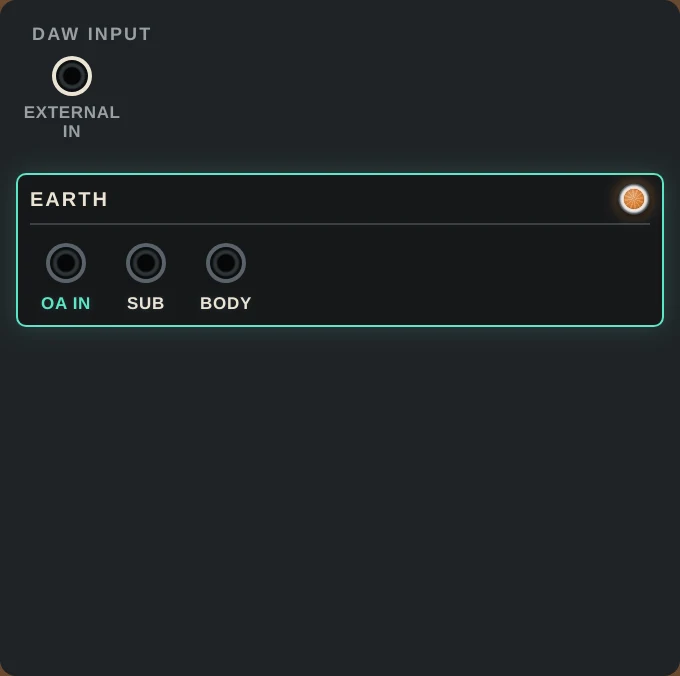
Tab turns the pedal between Front and Back, and Shift+Tab turns it the other way. Option+F and Option+B go straight there.