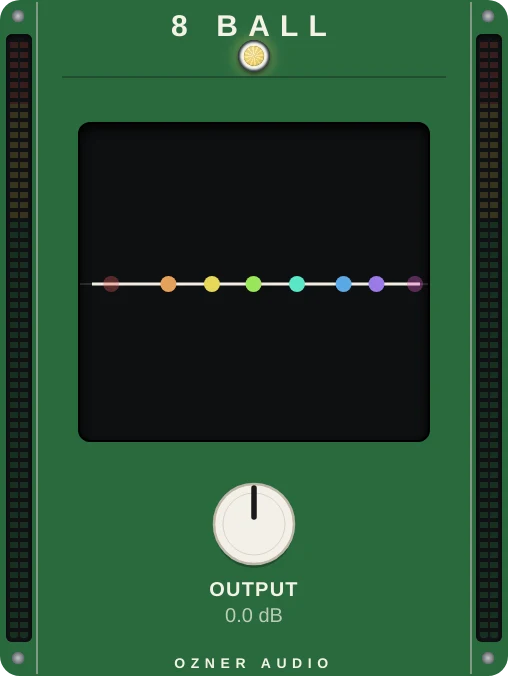
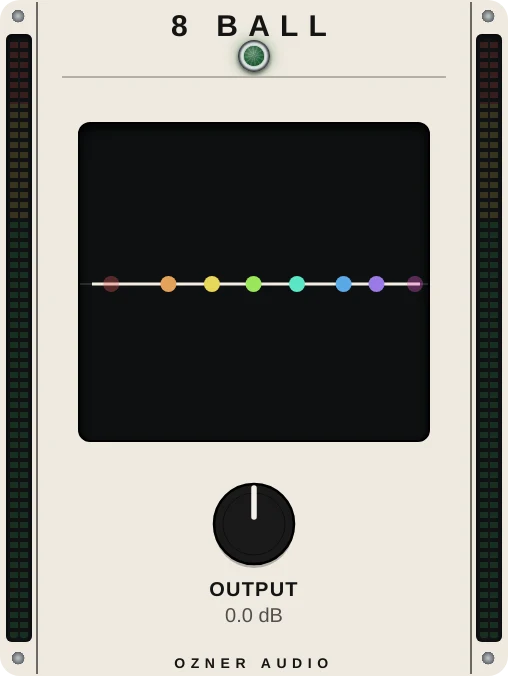
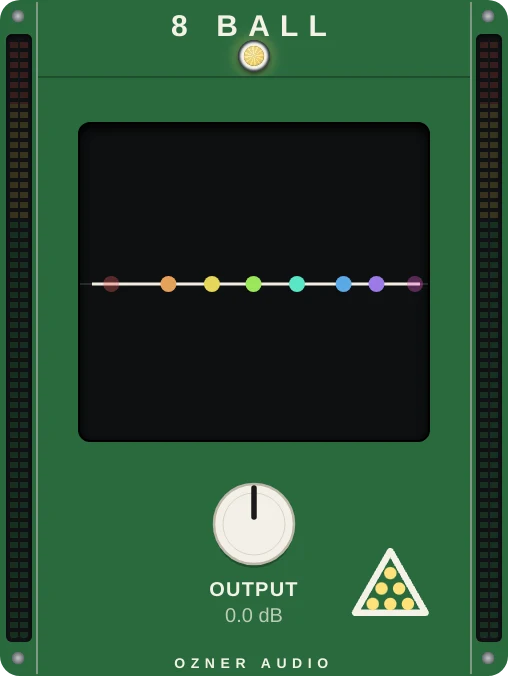
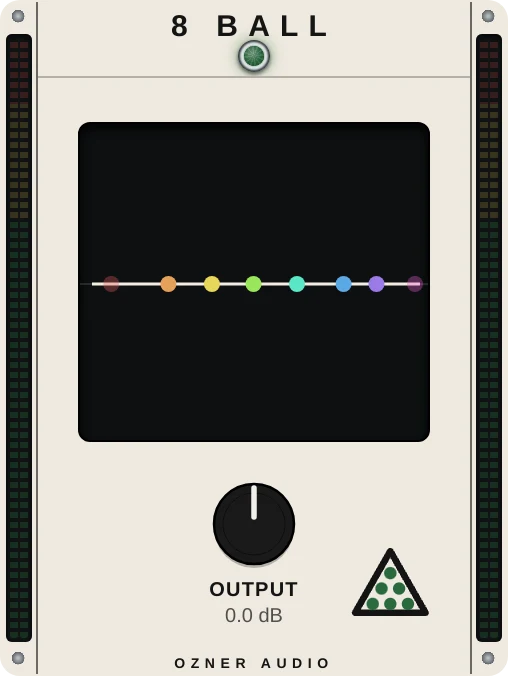
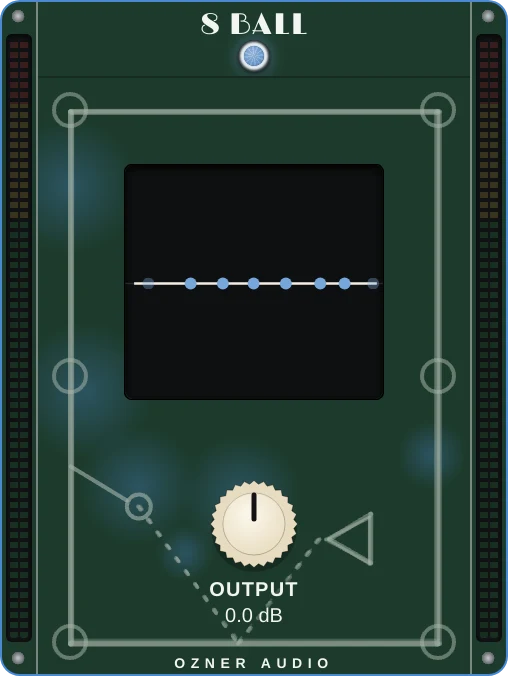
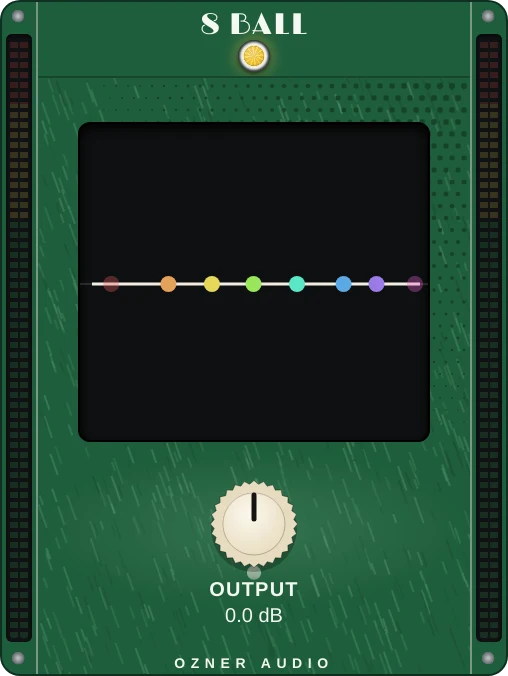
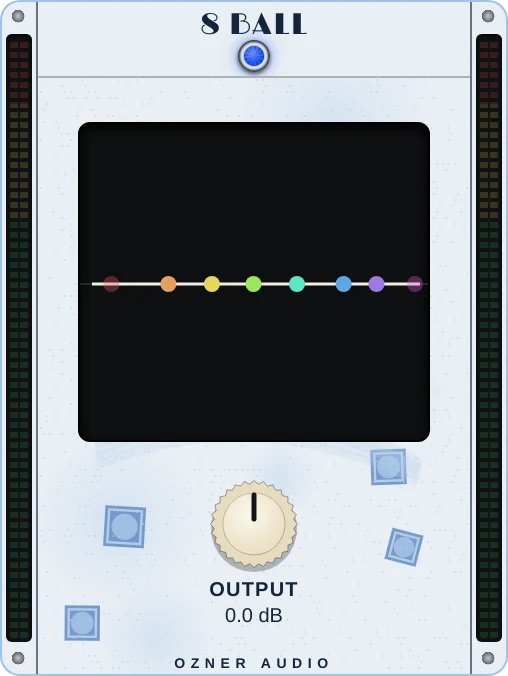
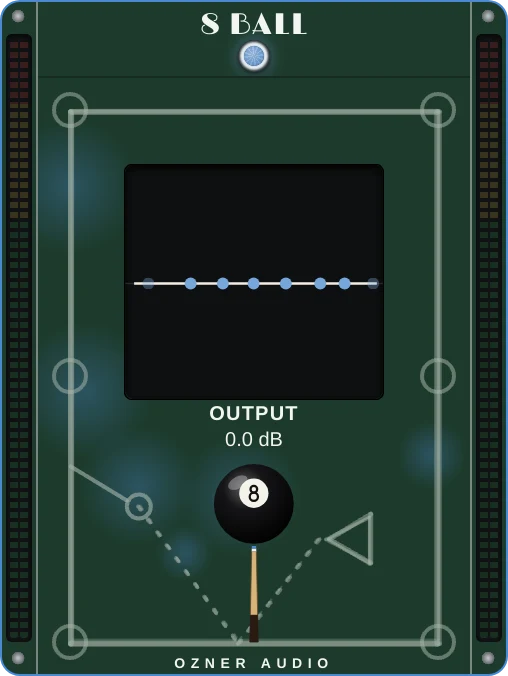
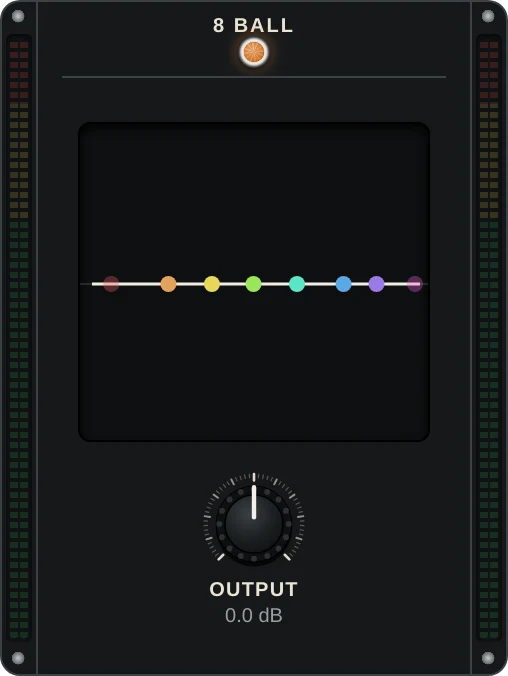
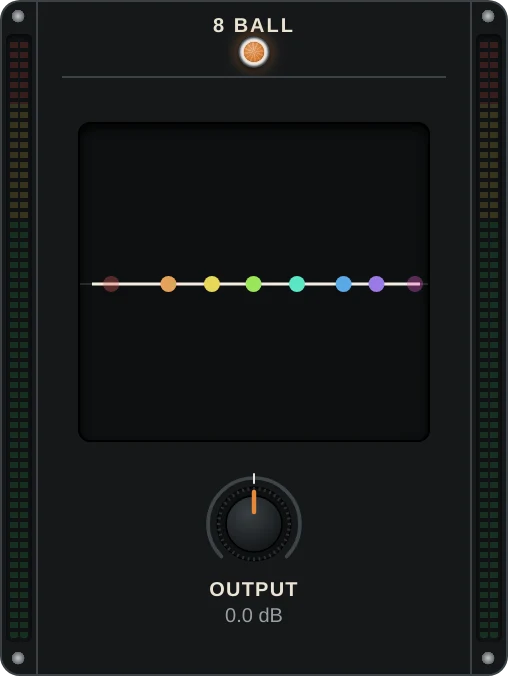
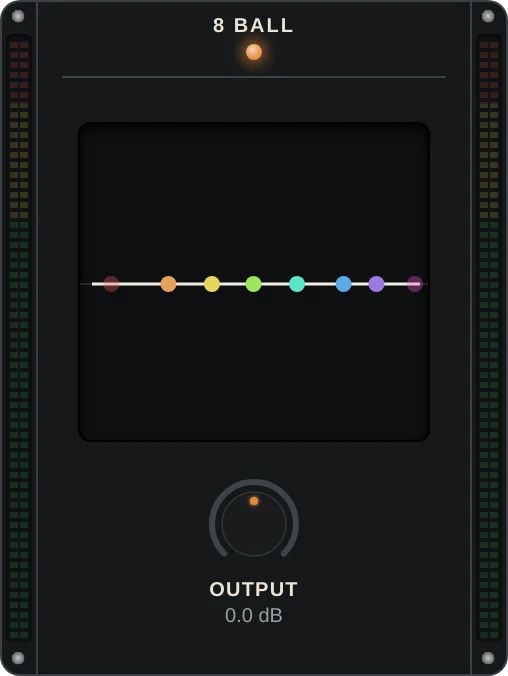
| Output | The EQ's output level, to make up for what the bands add or take away. How a pedal keeps its level: gain staging, the easy way | -18 to 18 dB | 0 dB |
|---|
| Band 1 On | Band 1's On. | Off, On | Off |
|---|
| Band 1 Type | Band 1's Type. | High Pass, Low Shelf, Bell, Notch, High Shelf, Low Pass | High Pass |
|---|
| Band 1 Freq | Band 1's Freq. | 20 to 20000 Hz | 30 Hz |
|---|
| Band 1 Gain | Band 1's Gain. | -18 to 18 dB | 0 dB |
|---|
| Band 1 Q | Band 1's Q. | 0.1 to 18 Q | 0.71 Q |
|---|
| Band 1 Slope | Band 1's Slope. | 12 dB/oct, 24 dB/oct, 48 dB/oct | 24 dB/oct |
|---|
| Band 1 Channel | Band 1's Channel. | Stereo, Left, Right, Mid, Side | Stereo |
|---|
| Band 2 On | Band 2's On. | Off, On | On |
|---|
| Band 2 Type | Band 2's Type. | High Pass, Low Shelf, Bell, Notch, High Shelf, Low Pass | Low Shelf |
|---|
| Band 2 Freq | Band 2's Freq. | 20 to 20000 Hz | 100 Hz |
|---|
| Band 2 Gain | Band 2's Gain. | -18 to 18 dB | 0 dB |
|---|
| Band 2 Q | Band 2's Q. | 0.1 to 18 Q | 0.71 Q |
|---|
| Band 2 Slope | Band 2's Slope. | 12 dB/oct, 24 dB/oct, 48 dB/oct | 24 dB/oct |
|---|
| Band 2 Channel | Band 2's Channel. | Stereo, Left, Right, Mid, Side | Stereo |
|---|
| Band 3 On | Band 3's On. | Off, On | On |
|---|
| Band 3 Type | Band 3's Type. | High Pass, Low Shelf, Bell, Notch, High Shelf, Low Pass | Bell |
|---|
| Band 3 Freq | Band 3's Freq. | 20 to 20000 Hz | 250 Hz |
|---|
| Band 3 Gain | Band 3's Gain. | -18 to 18 dB | 0 dB |
|---|
| Band 3 Q | Band 3's Q. | 0.1 to 18 Q | 1 Q |
|---|
| Band 3 Slope | Band 3's Slope. | 12 dB/oct, 24 dB/oct, 48 dB/oct | 24 dB/oct |
|---|
| Band 3 Channel | Band 3's Channel. | Stereo, Left, Right, Mid, Side | Stereo |
|---|
| Band 4 On | Band 4's On. | Off, On | On |
|---|
| Band 4 Type | Band 4's Type. | High Pass, Low Shelf, Bell, Notch, High Shelf, Low Pass | Bell |
|---|
| Band 4 Freq | Band 4's Freq. | 20 to 20000 Hz | 600 Hz |
|---|
| Band 4 Gain | Band 4's Gain. | -18 to 18 dB | 0 dB |
|---|
| Band 4 Q | Band 4's Q. | 0.1 to 18 Q | 1 Q |
|---|
| Band 4 Slope | Band 4's Slope. | 12 dB/oct, 24 dB/oct, 48 dB/oct | 24 dB/oct |
|---|
| Band 4 Channel | Band 4's Channel. | Stereo, Left, Right, Mid, Side | Stereo |
|---|
| Band 5 On | Band 5's On. | Off, On | On |
|---|
| Band 5 Type | Band 5's Type. | High Pass, Low Shelf, Bell, Notch, High Shelf, Low Pass | Bell |
|---|
| Band 5 Freq | Band 5's Freq. | 20 to 20000 Hz | 1500 Hz |
|---|
| Band 5 Gain | Band 5's Gain. | -18 to 18 dB | 0 dB |
|---|
| Band 5 Q | Band 5's Q. | 0.1 to 18 Q | 1 Q |
|---|
| Band 5 Slope | Band 5's Slope. | 12 dB/oct, 24 dB/oct, 48 dB/oct | 24 dB/oct |
|---|
| Band 5 Channel | Band 5's Channel. | Stereo, Left, Right, Mid, Side | Stereo |
|---|
| Band 6 On | Band 6's On. | Off, On | On |
|---|
| Band 6 Type | Band 6's Type. | High Pass, Low Shelf, Bell, Notch, High Shelf, Low Pass | Bell |
|---|
| Band 6 Freq | Band 6's Freq. | 20 to 20000 Hz | 4000 Hz |
|---|
| Band 6 Gain | Band 6's Gain. | -18 to 18 dB | 0 dB |
|---|
| Band 6 Q | Band 6's Q. | 0.1 to 18 Q | 1 Q |
|---|
| Band 6 Slope | Band 6's Slope. | 12 dB/oct, 24 dB/oct, 48 dB/oct | 24 dB/oct |
|---|
| Band 6 Channel | Band 6's Channel. | Stereo, Left, Right, Mid, Side | Stereo |
|---|
| Band 7 On | Band 7's On. | Off, On | On |
|---|
| Band 7 Type | Band 7's Type. | High Pass, Low Shelf, Bell, Notch, High Shelf, Low Pass | High Shelf |
|---|
| Band 7 Freq | Band 7's Freq. | 20 to 20000 Hz | 8000 Hz |
|---|
| Band 7 Gain | Band 7's Gain. | -18 to 18 dB | 0 dB |
|---|
| Band 7 Q | Band 7's Q. | 0.1 to 18 Q | 0.71 Q |
|---|
| Band 7 Slope | Band 7's Slope. | 12 dB/oct, 24 dB/oct, 48 dB/oct | 24 dB/oct |
|---|
| Band 7 Channel | Band 7's Channel. | Stereo, Left, Right, Mid, Side | Stereo |
|---|
| Band 8 On | Band 8's On. | Off, On | Off |
|---|
| Band 8 Type | Band 8's Type. | High Pass, Low Shelf, Bell, Notch, High Shelf, Low Pass | Low Pass |
|---|
| Band 8 Freq | Band 8's Freq. | 20 to 20000 Hz | 18000 Hz |
|---|
| Band 8 Gain | Band 8's Gain. | -18 to 18 dB | 0 dB |
|---|
| Band 8 Q | Band 8's Q. | 0.1 to 18 Q | 0.71 Q |
|---|
| Band 8 Slope | Band 8's Slope. | 12 dB/oct, 24 dB/oct, 48 dB/oct | 24 dB/oct |
|---|
| Band 8 Channel | Band 8's Channel. | Stereo, Left, Right, Mid, Side | Stereo |
|---|