Utility and Meters

Bedrock

A stereo utility that adds no colour: it sets the level and balance, widens or narrows the image, works on the mid and side, keeps the bass centred and flips polarity.

free

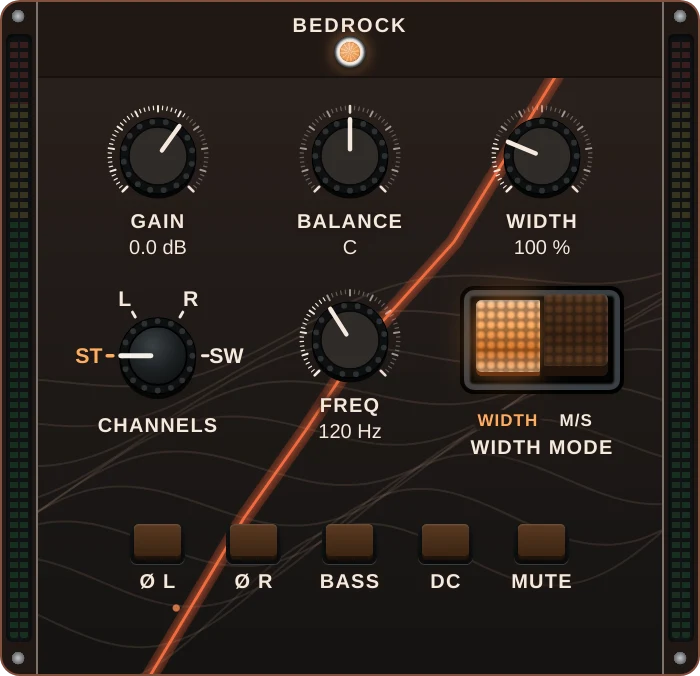
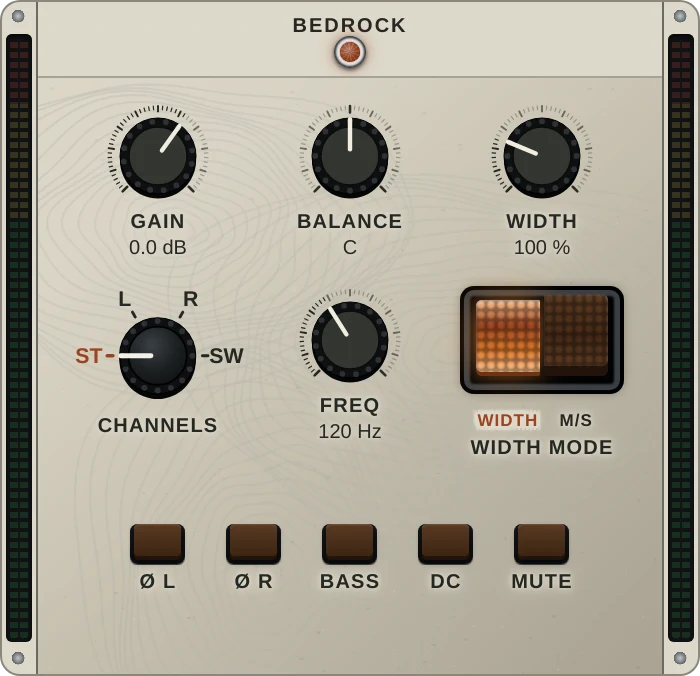
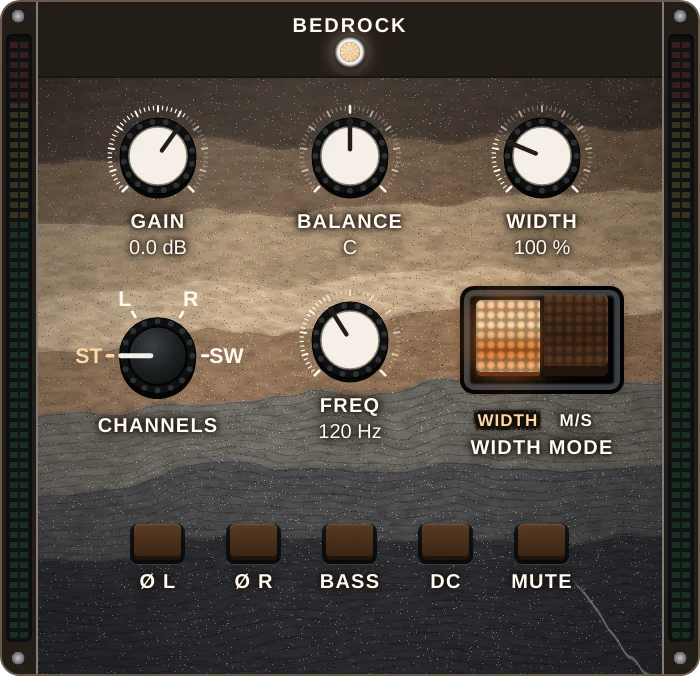
Looks19

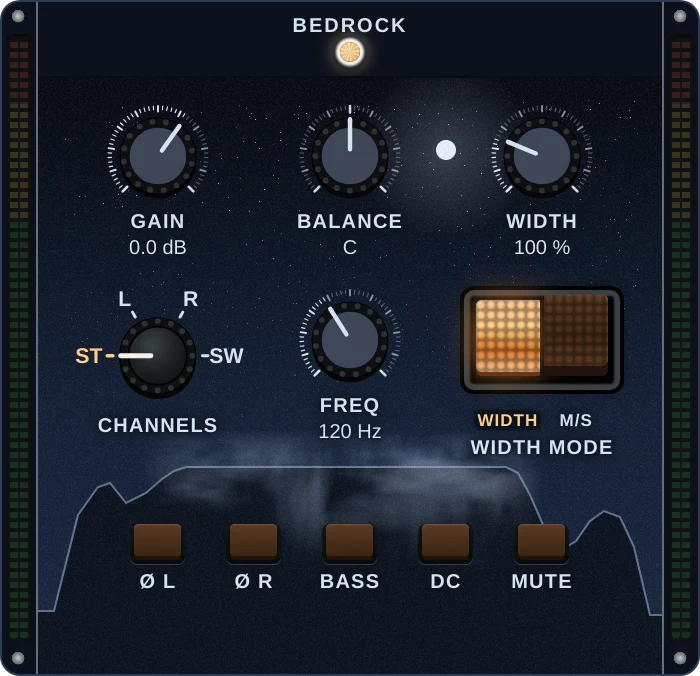
Night Table

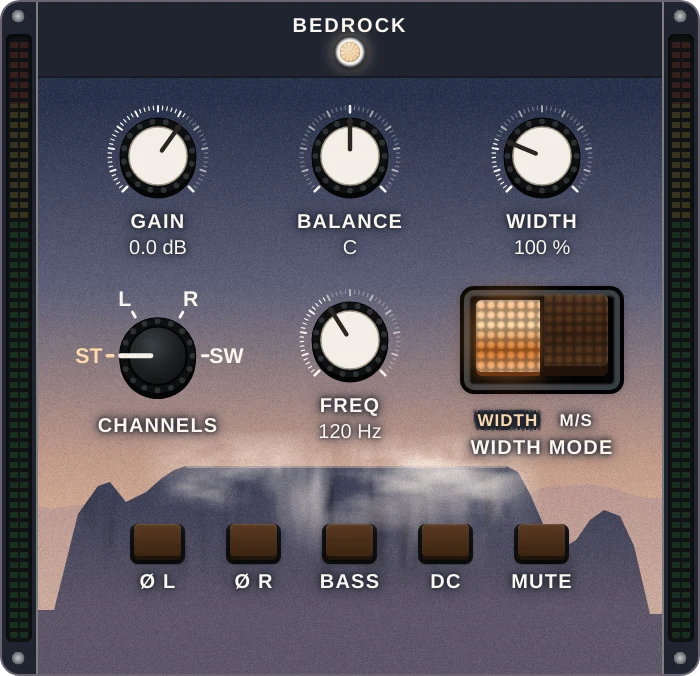
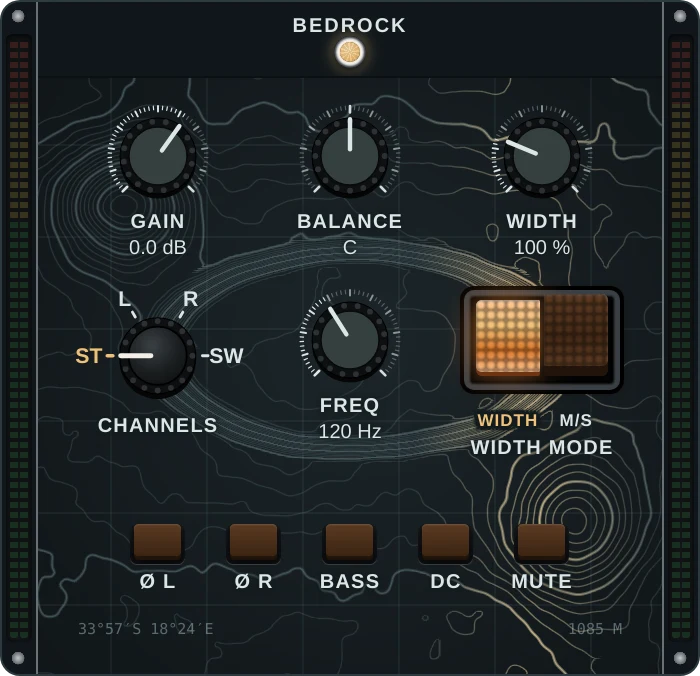
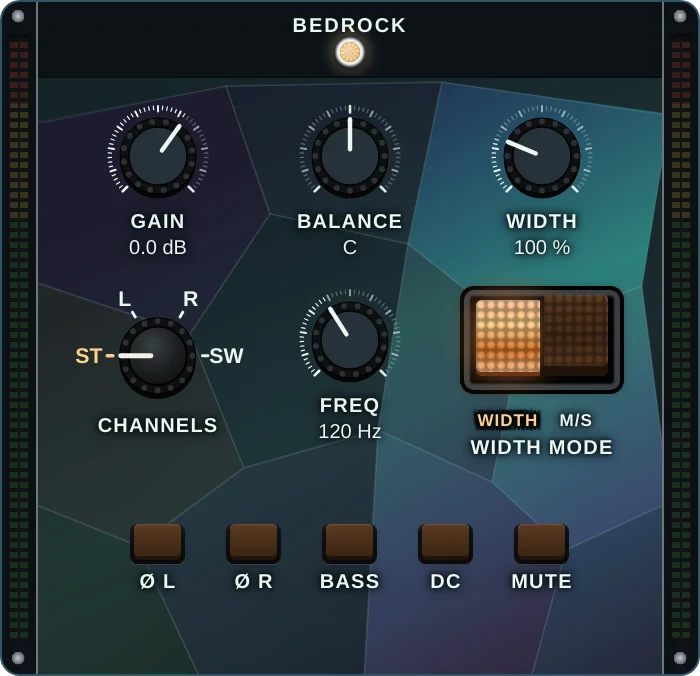
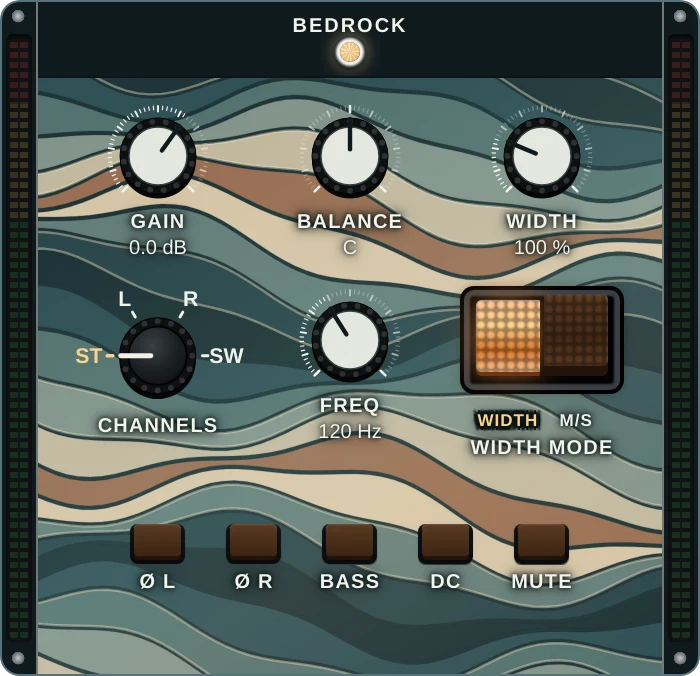
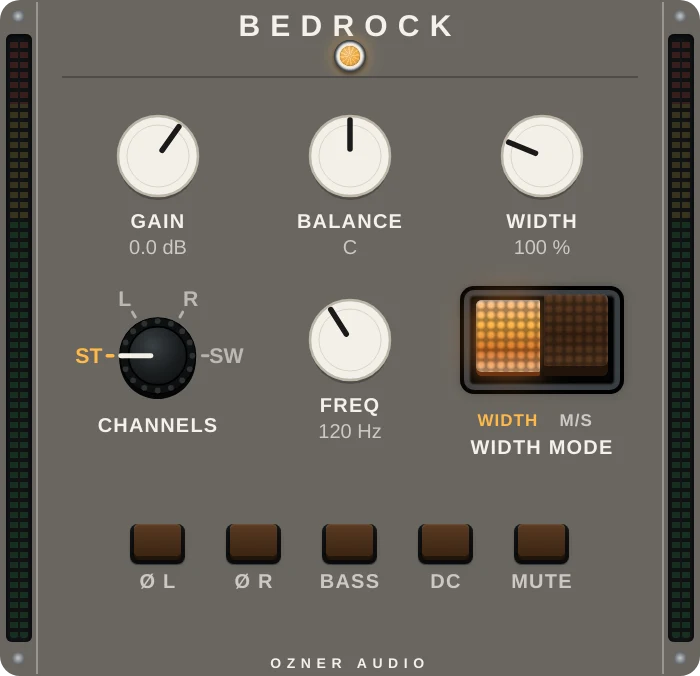
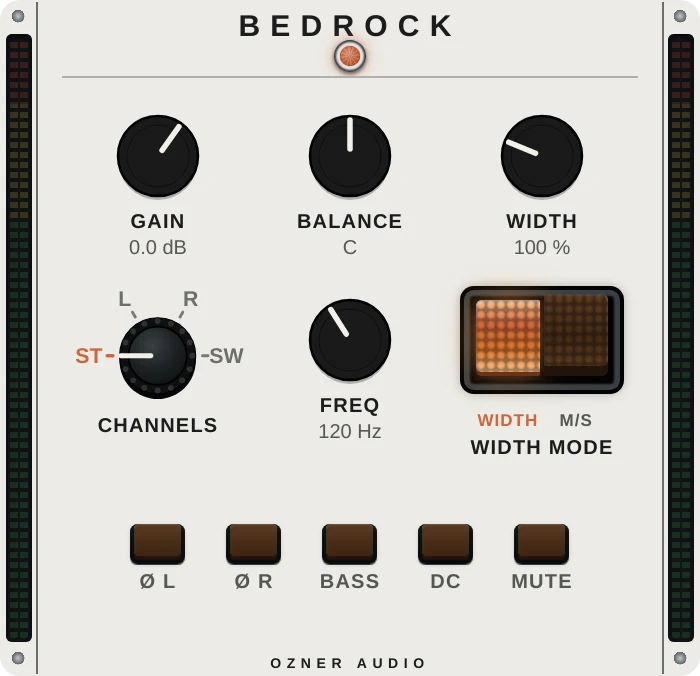
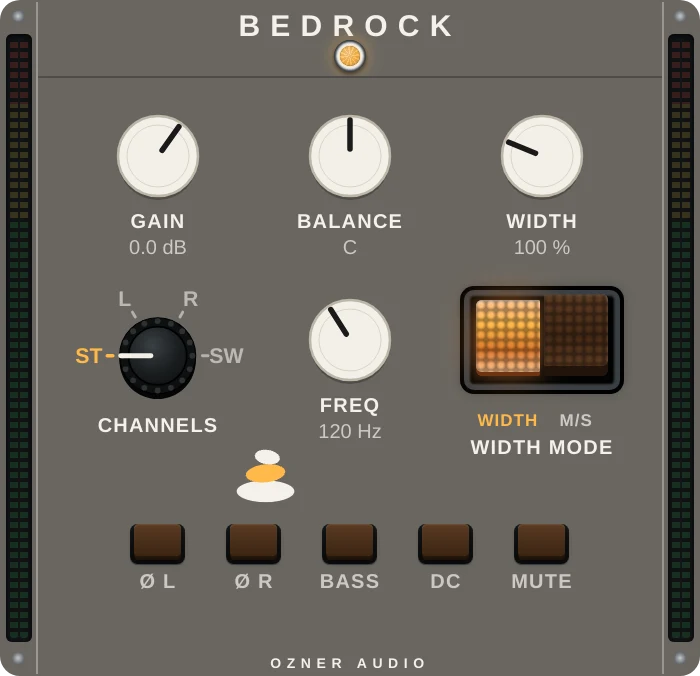
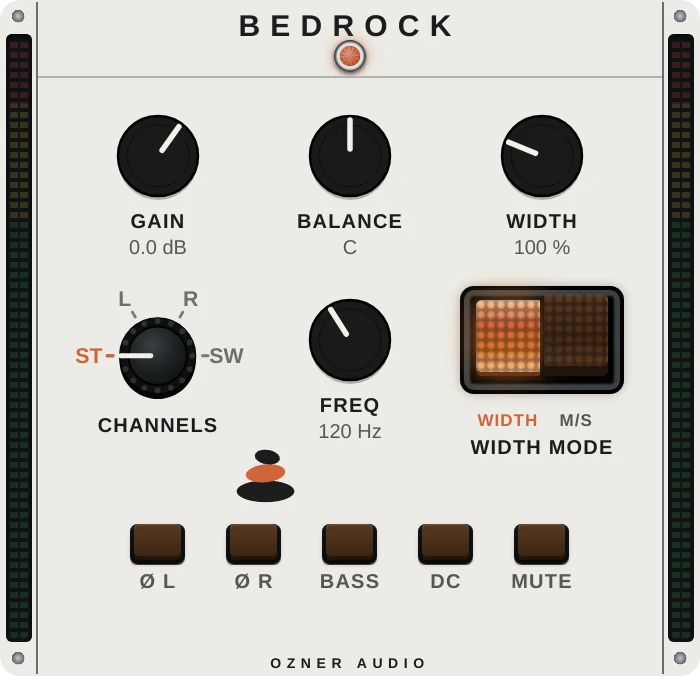
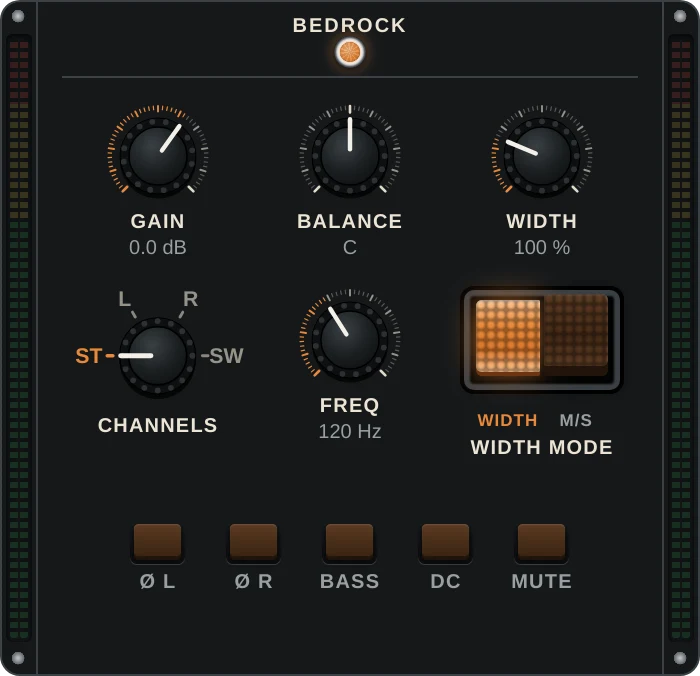
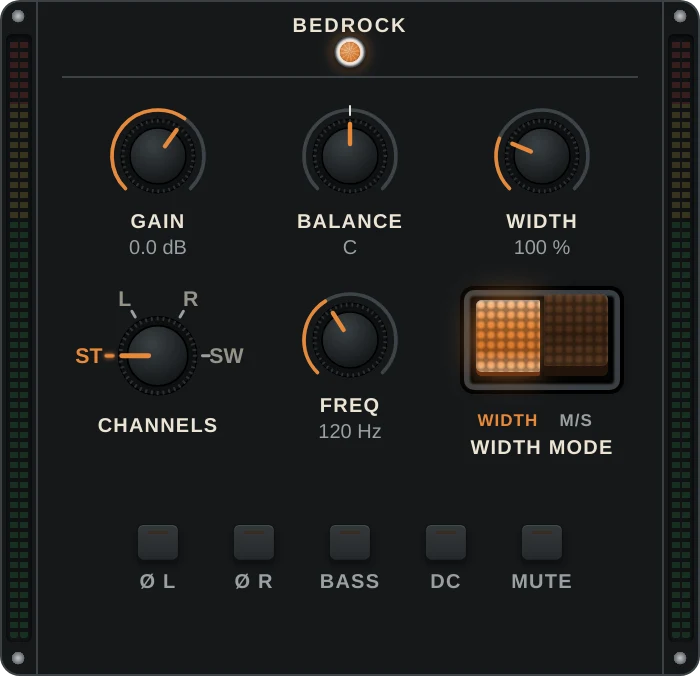
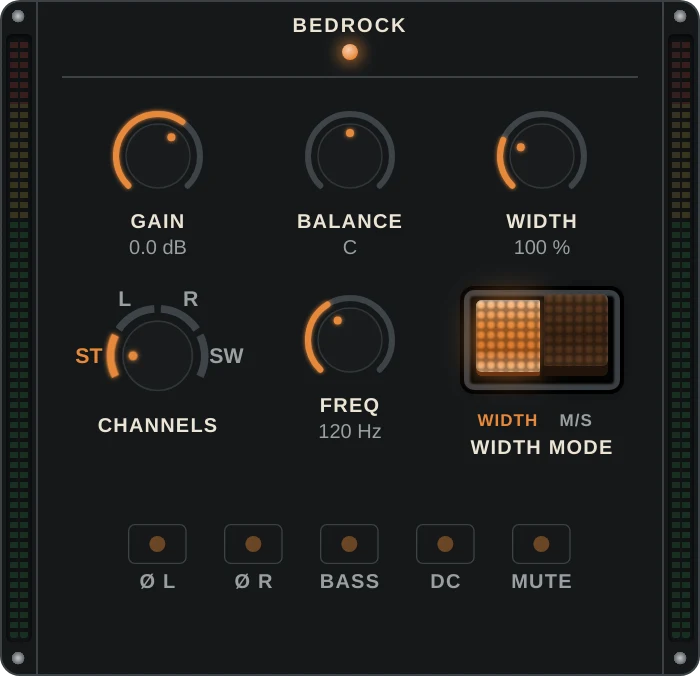
Every control, as its hover label says it in the plugin.

ControlWhat it doesRangeDefault
GainThe level, from off at the bottom up to +35 dB: at 0 dB it passes as it is.-60 to 35 dB0 dB
BalanceTurned one way it cuts the other side, keeping the image: at the centre both sides pass at 0 dB.-1 to 1 pan0 pan
WidthHow far apart the sides are: 0% makes them the same, 100% leaves them as they are, up to 400%.0 to 400 %100 %
Width ModeWidth scales how far apart the sides are; Mid/Side turns Width's knob into one that trades the mid against the side.Width, Mid/SideWidth
Mid/SideTrades the mid against the side: turned left only the mid is left, turned right only the side; at the centre both pass as they are. On Width's knob while Width Mode is on Mid/Side.-100 to 100 %0 %
ChannelsStereo passes both sides as they come; Left puts the left on both sides; Right the right; Swap trades them.Stereo, Left, Right, SwapStereo
Ø LFlips the left side's polarity (its phase), the right side left as it is.Off, OnOff
Ø RFlips the right side's polarity (its phase), the left side left as it is.Off, OnOff
BassOn: the lows below Bass Freq are made the same on both sides, so the bass sits in the centre; above it the sides stay as they are.Off, OnOff
FreqWhere Bass Width starts: the lows below it are brought to the centre.50 to 500 Hz120 Hz
DCOn: takes any steady offset (DC) out of each side.Off, OnOff
MuteSilences the output; every other setting stays where it is.Off, OnOff

Changelog

1.0.0

A stereo utility that adds no colour: it sets the level and balance, widens or narrows the image, works on the mid and side and keeps the bass centred.

New

  • Set the level and balance without colouring the sound

    Gain runs from off up to +35 dB. Balance only turns the other side down, to silence at the end, and never pans a mono sound. At its defaults the sound passes through unchanged.

  • Widen or narrow the stereo image, or work on the mid and the side

    Width runs from 0%, where both sides are the same, through 100%, as it came, up to 400%. In Mid/Side mode the same knob trades the mid against the side: all the way left only the mid, all the way right only the side.

  • Keep the bass in the centre

    Bass Width makes everything below a frequency you choose, between 50 and 500 Hz, the same on both sides. The level above it does not change.

  • Put right a signal that arrives the wrong way round

    Channels plays the stereo as it comes, the left on both sides, the right on both sides, or swaps the two. A polarity flip for each side, a DC filter that removes any steady offset and Mute finish the set.

  • Make the balance or the width move on its own

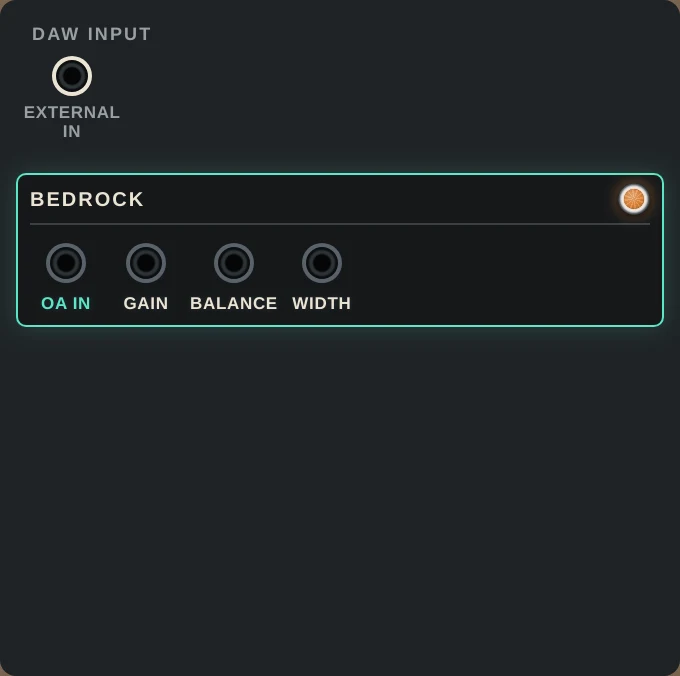
    In OA Effects or the Rack, patch a slow wave into Balance for an auto-balancer, or into Width to move the width.

  • Turn it with the keyboard, in your DAW too

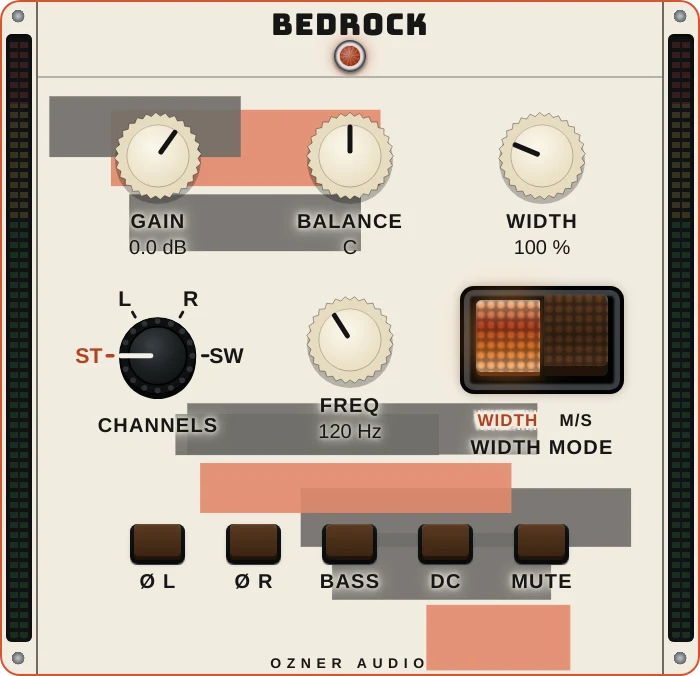
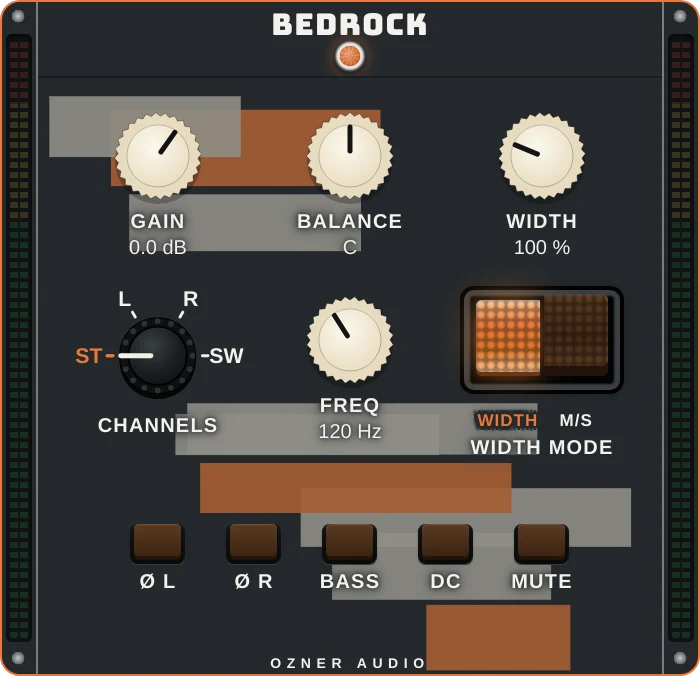
    Tab turns the pedal between Front and Back, and Shift+Tab turns it the other way. Option+F and Option+B go straight there.