Dynamics

Emerald

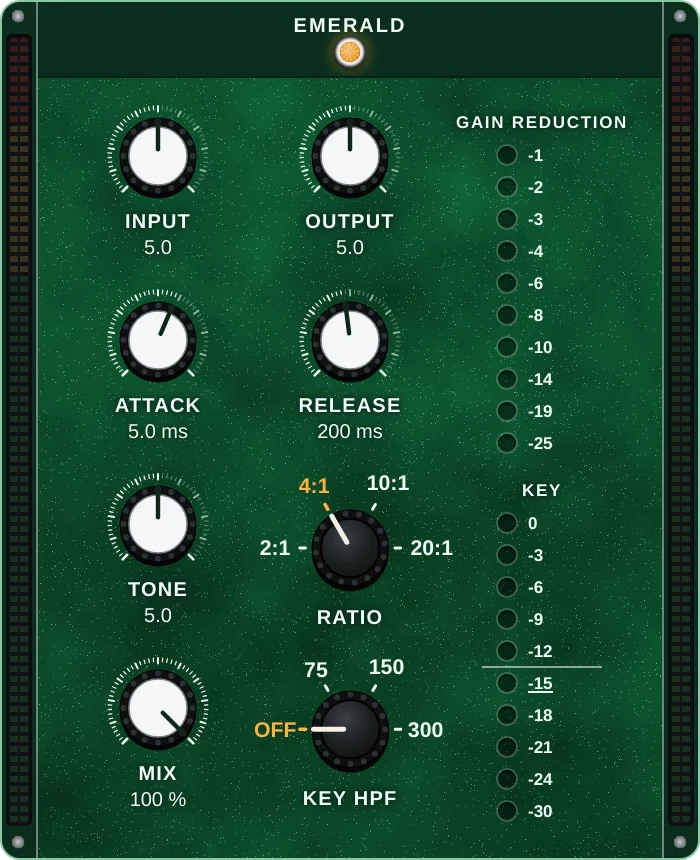
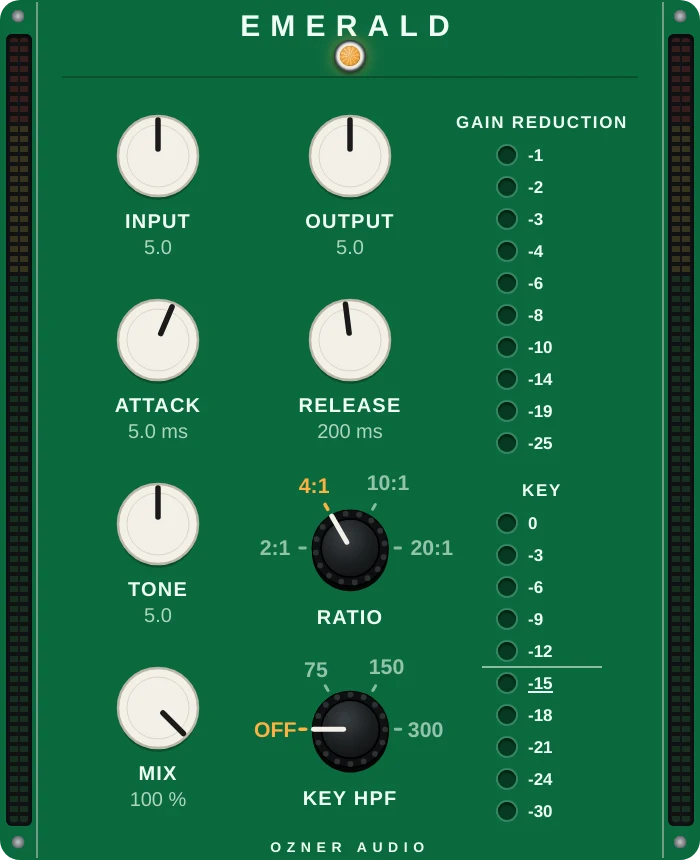
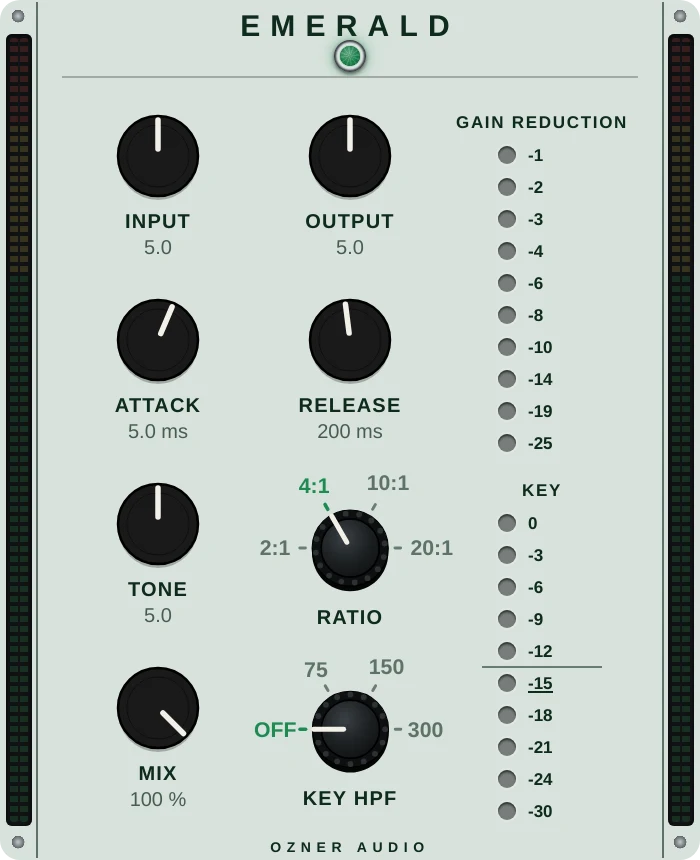
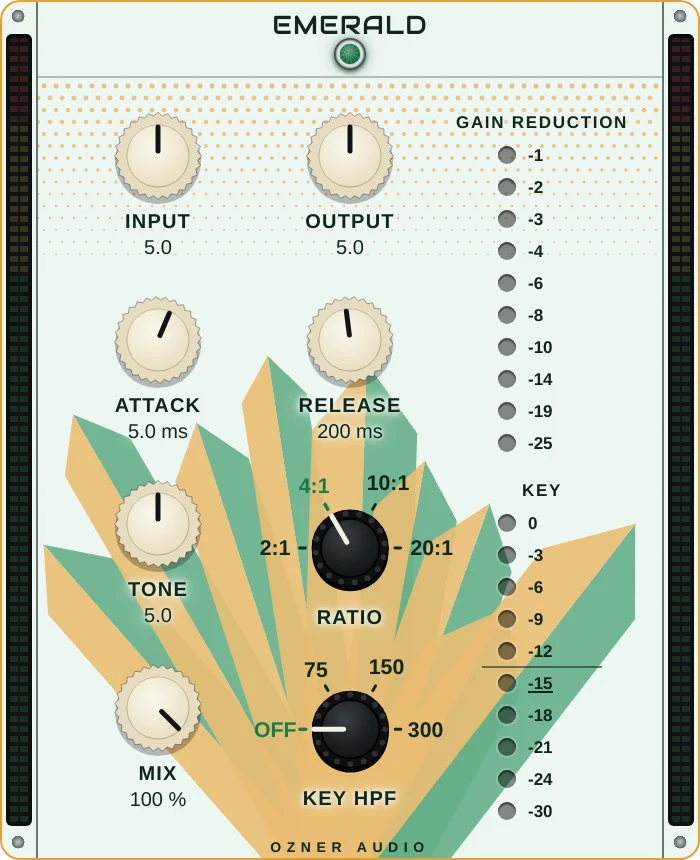
A clean, transparent studio compressor: Input and Output, Attack and Release, Mix for parallel compression and Tone, a Ratio of 2:1, 4:1, 10:1 or 20:1 and a high-pass on the key.

free

Looks8

Deep Green

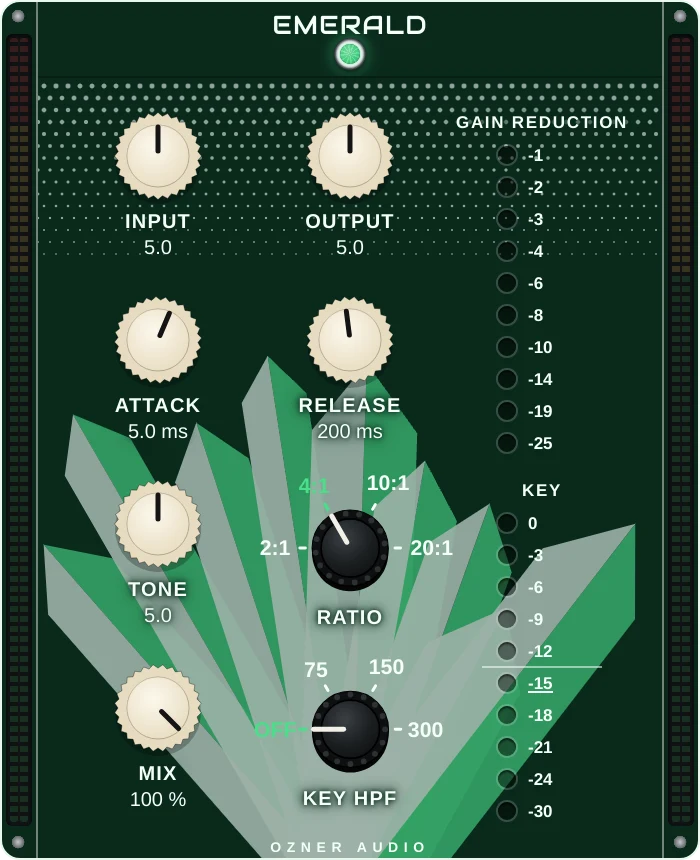
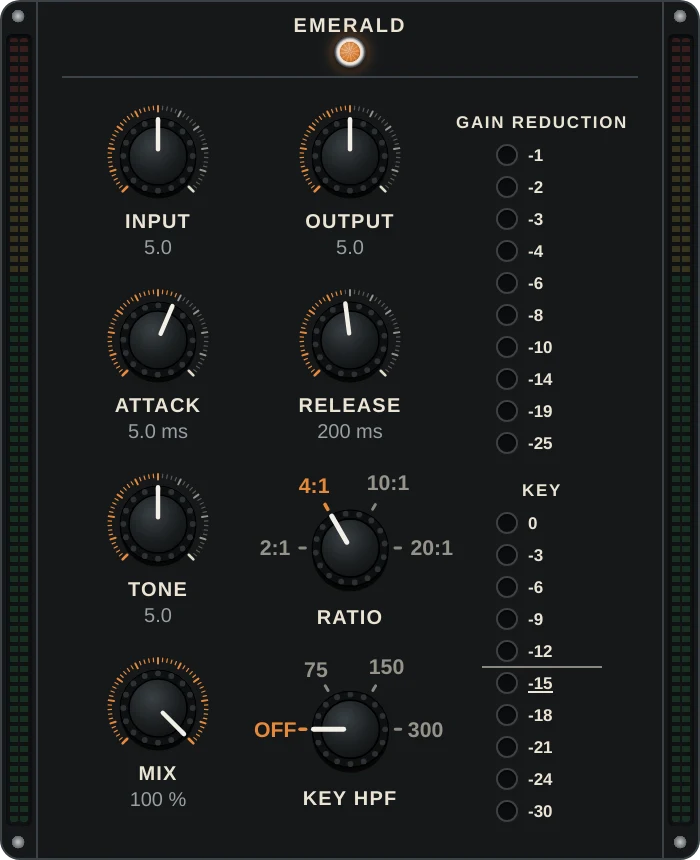
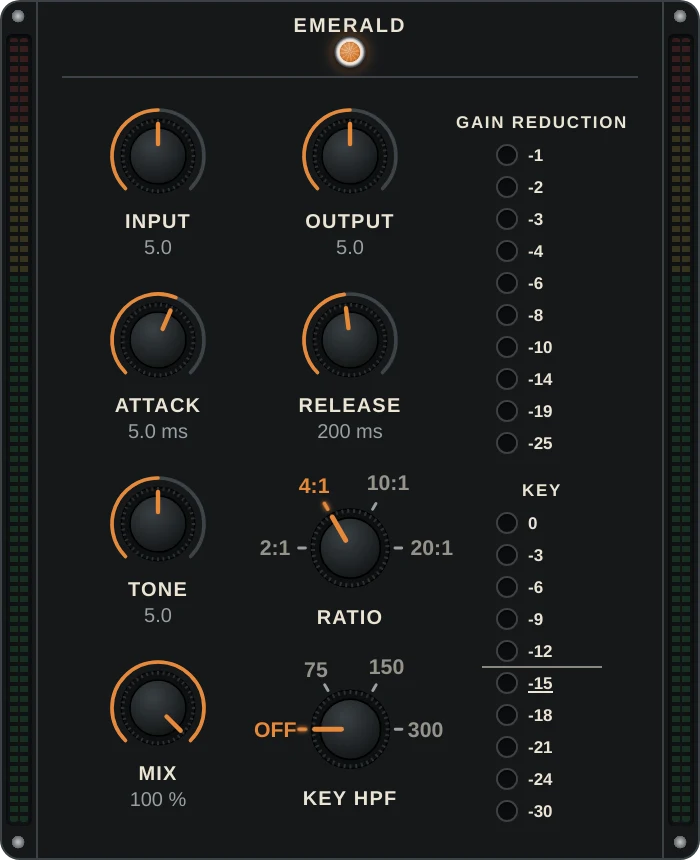
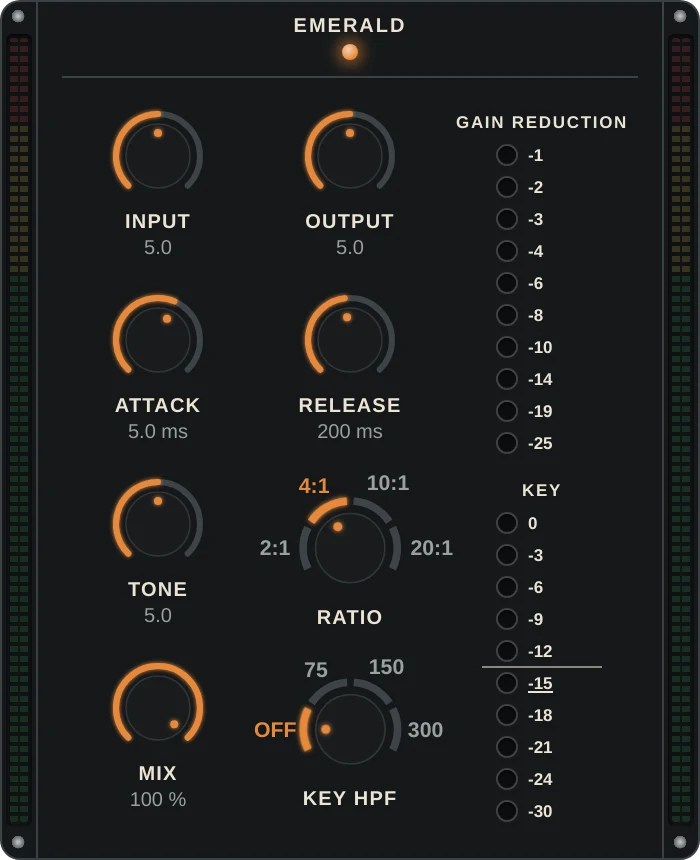
Every control, as its hover label says it in the plugin.

ControlWhat it doesRangeDefault
InputHow hard the signal meets the squeeze: at noon unchanged, turned up it is driven further over the threshold, turned down less.0 to 10.5
OutputThe level out, to make up what the squeeze takes: at noon unchanged, 12 dB more or less at the ends. How a pedal keeps its level: gain staging, the easy way0 to 10.5
AttackHow fast the squeeze closes on a loud note: quick catches the start, slow lets it through.0.1 to 80 ms5 ms
ReleaseHow fast the squeeze lets go once the note falls: quick for a lively sound, slow for a steady one.40 to 1200 ms200 ms
MixThe squeezed sound against the dry one, for parallel compression: at 100 % all squeeze, at 0 the dry input alone.0 to 100 %100 %
ToneTilts the tone of the squeezed sound: turned up the top end rises and the bottom falls, brighter; turned down, darker; at noon untouched.0 to 10.5
RatioHow firmly it squeezes above the threshold: 2:1 gently, 4:1 firmly, 10:1 close to a limit, 20:1 a limit.2:1, 4:1, 10:1, 20:14:1
KEY HPFTakes the low end out of what drives the squeeze, so a bass note does not pump it: off, or from 75 Hz, 150 Hz or 300 Hz.Off, 75 Hz, 150 Hz, 300 HzOff

Changelog

1.0.0

A clean, transparent studio compressor, for guitar and bass alike.

New

  • Squeeze cleanly and transparently

    Ratio is 2:1, 4:1, 10:1 or 20:1, starting at -15 dB, set for a signal staged at -18 dBFS RMS, with a soft knee. Attack runs from 0.1 to 80 ms and Release from 40 to 1200 ms. Input drives the sound into the squeeze and Output sets the level after it, each unity at noon.

  • Blend the dry sound in for parallel compression

    Mix runs from all squeeze to all dry, and at 0 the input passes unchanged. The Wet output carries the compressed sound alone, for a parallel chain of your own.

  • Keep bass from driving the squeeze

    KEY HPF, off or at 75 Hz, 150 Hz or 300 Hz, takes the low end out of what the compressor listens to. The sound itself is never filtered.

  • Key the squeeze from another signal

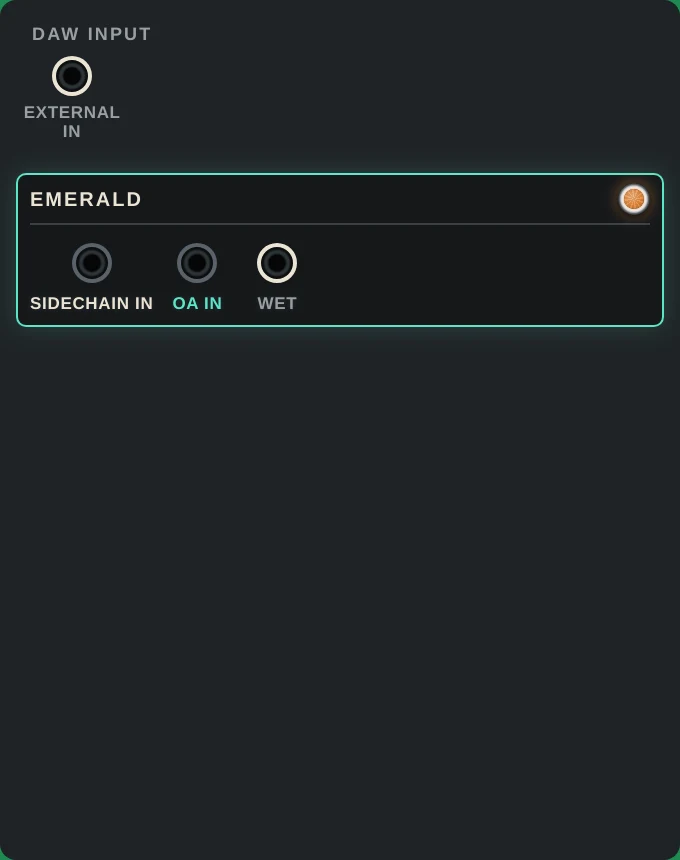
    Sidechain In takes the key from another signal, and until something is patched to it the compressor listens to its own input. In its own plugin the DAW's input is patched there by default.

  • Brighten or darken it, and see what it is doing

    Tone tilts the balance around 700 Hz, brighter up and darker down, and is untouched at noon. Two LED ladders show the gain reduction and the level the compressor listens to.

  • Turn it with the keyboard, in your DAW too

    Tab turns the pedal between Front and Back, and Shift+Tab turns it the other way. Option+F and Option+B go straight there.