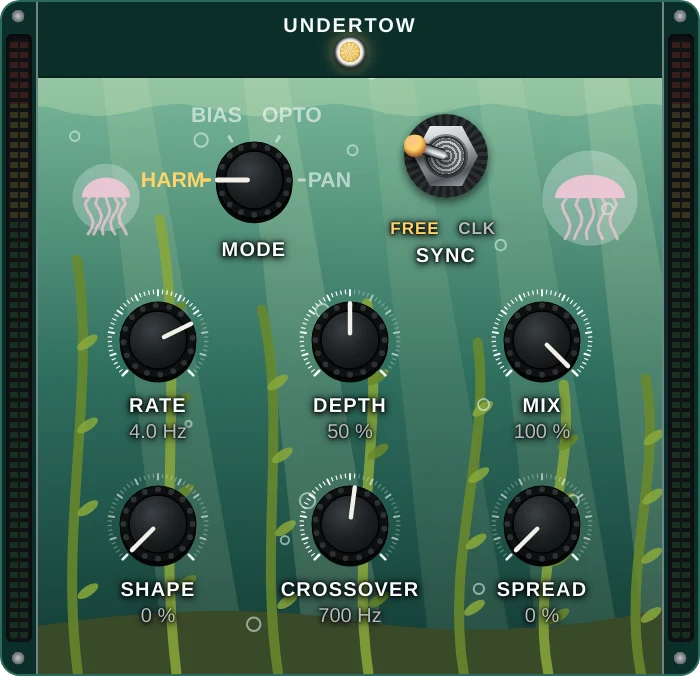
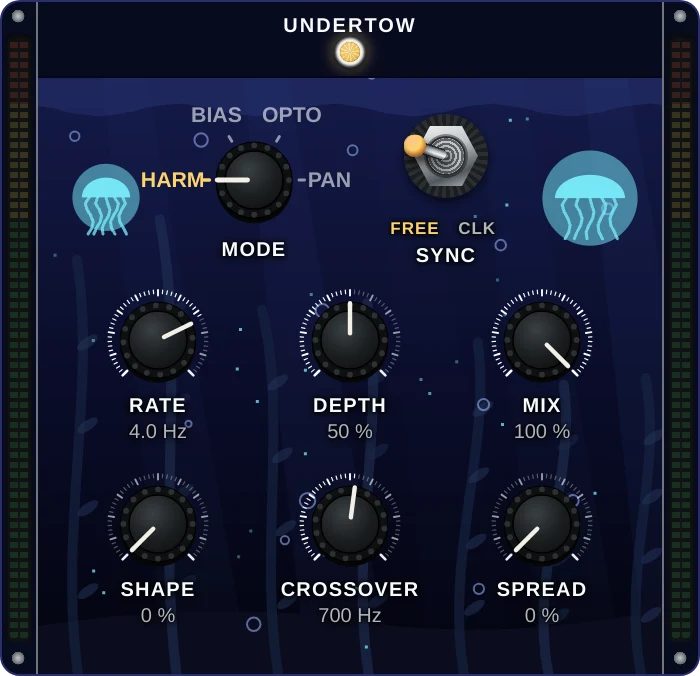
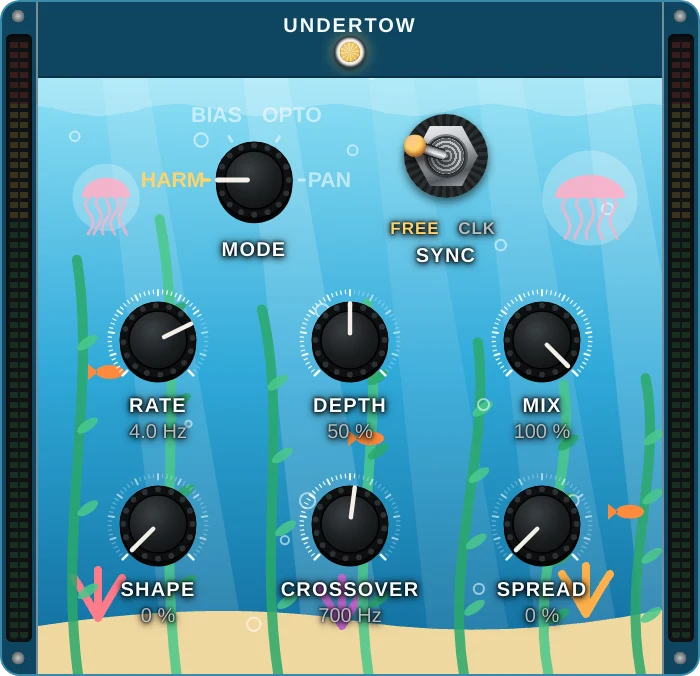
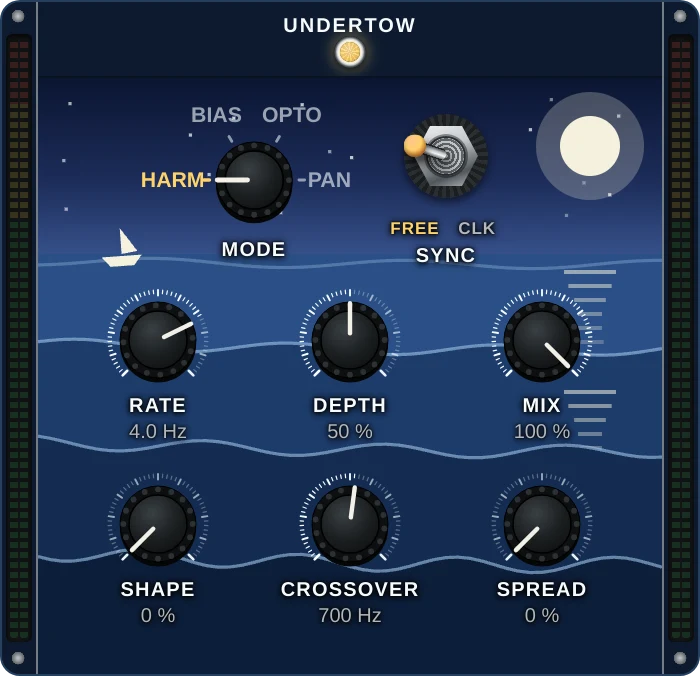
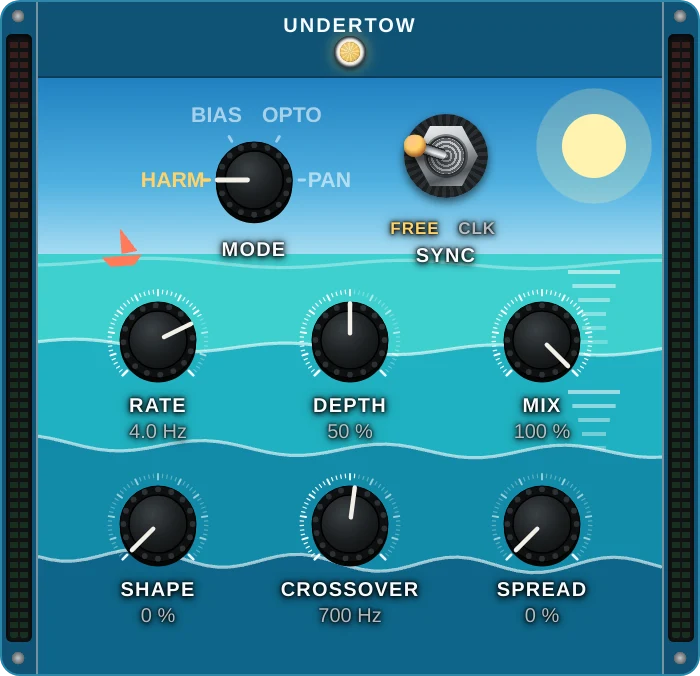
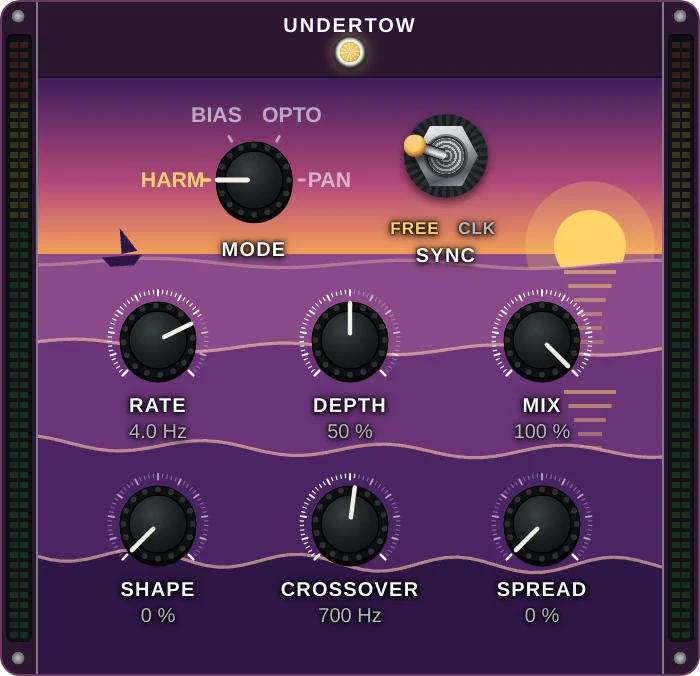
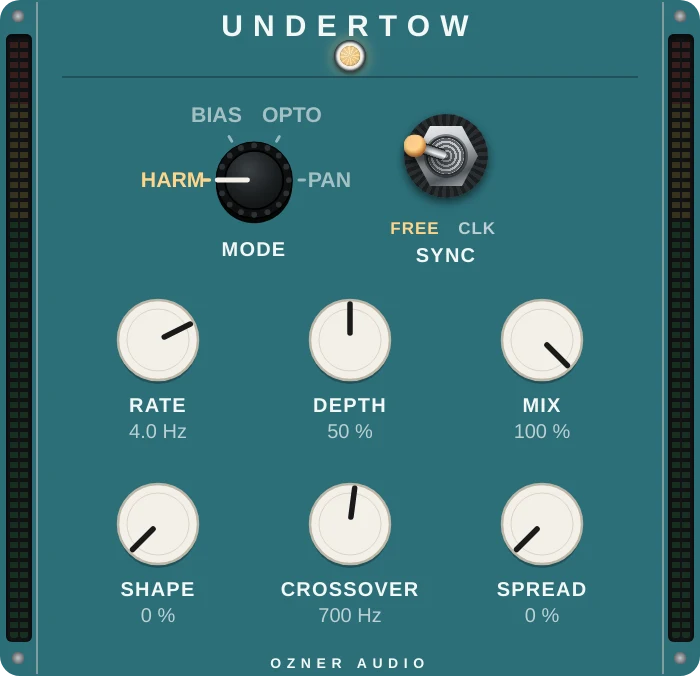
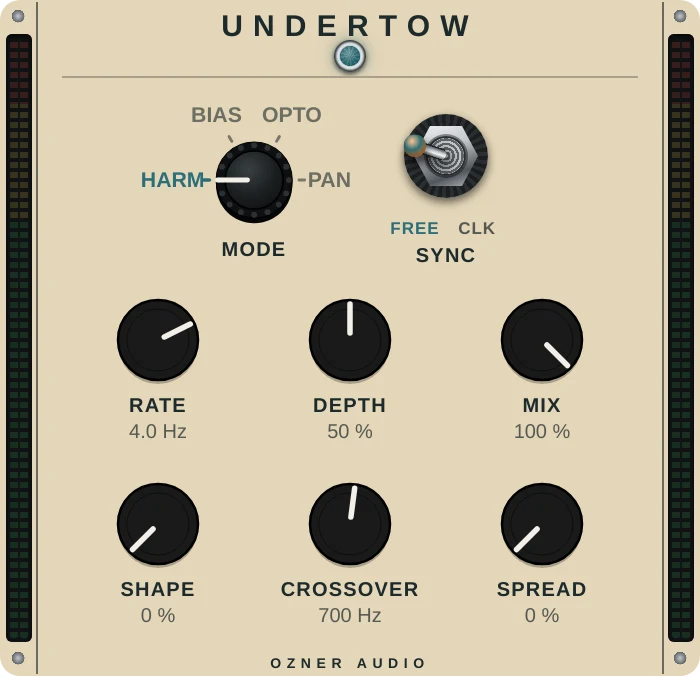
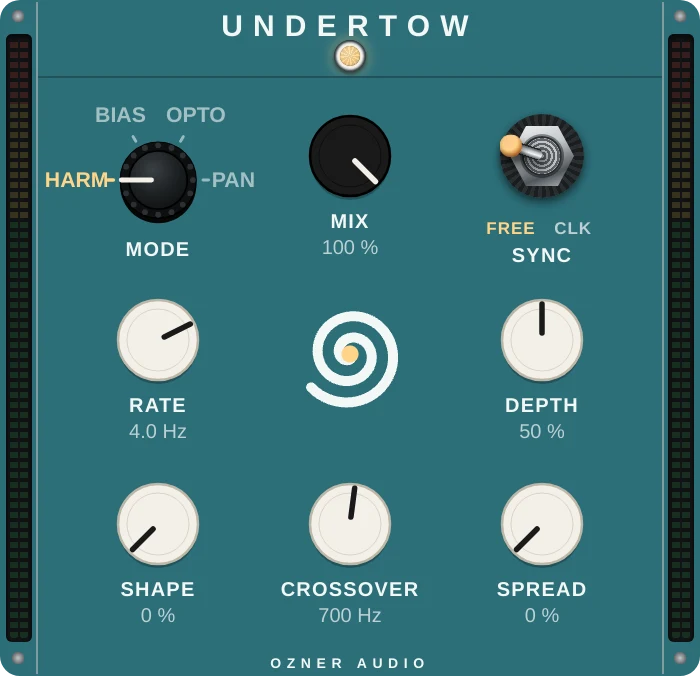
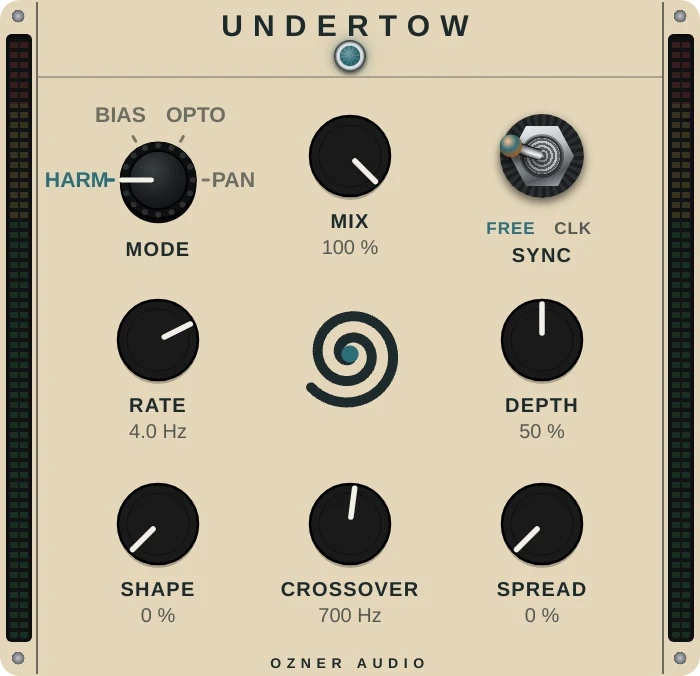
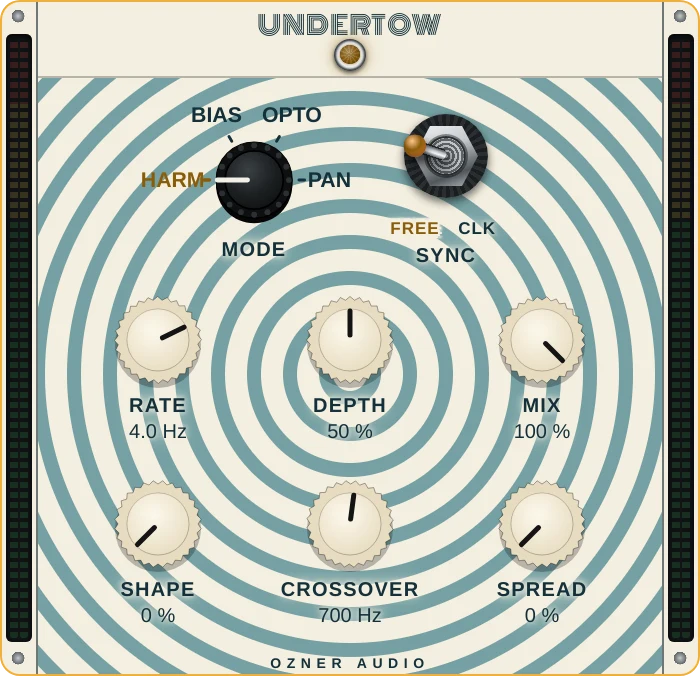
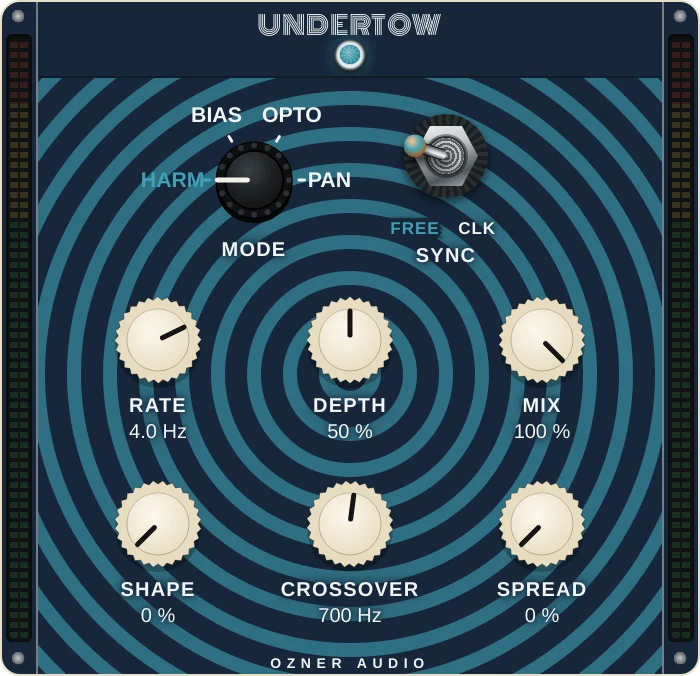
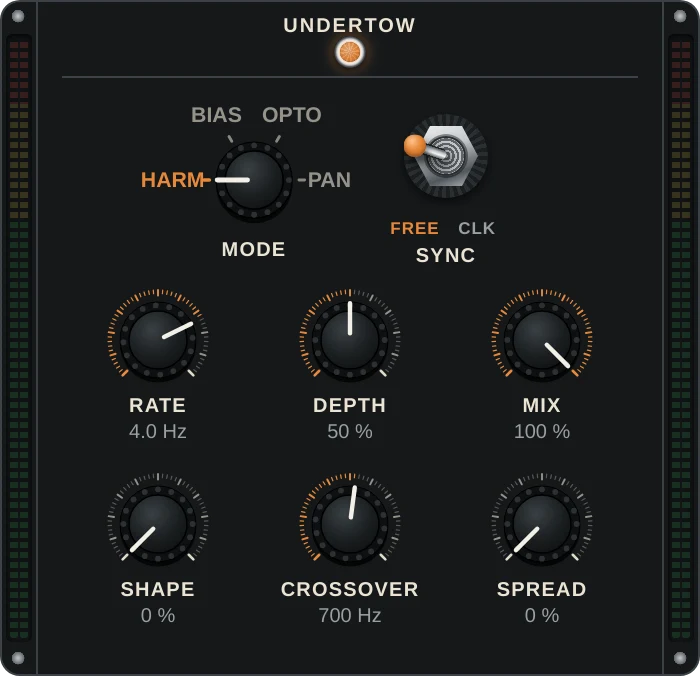
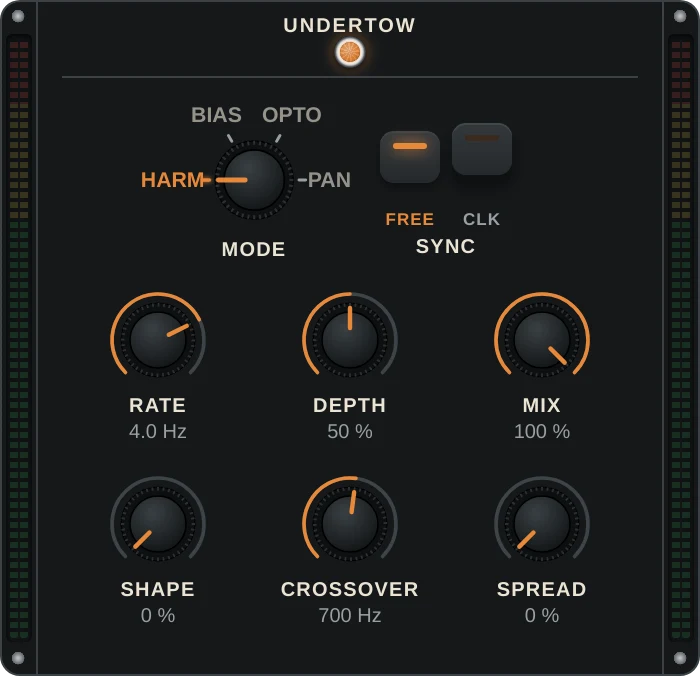
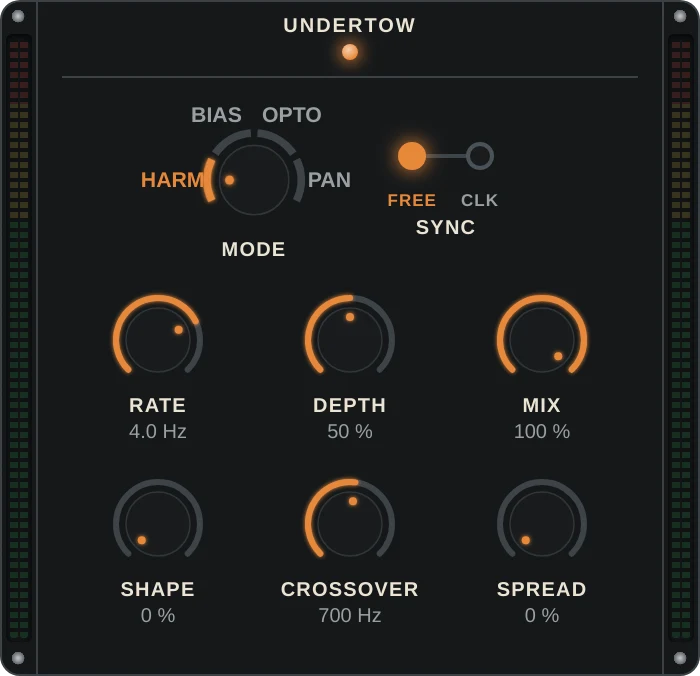
A tremolo with four modes: Harmonic, Bias, Optical and Pan.
New
Choose from four kinds of tremolo
Harmonic is the early '60s amps' swirl: the lows and highs are turned down and up in opposite phase, so the tone sweeps from dark to bright. Bias is the classic volume tremolo, Optical is the mid-'60s pulse, quick to cut and slow to let go, and Pan sways between the two sides.
Run free or lock to the tempo
Free runs from 0.1 to 15 cycles a second. Clock sets a note value at the song's tempo, with its phase locked to the song's position, so a loop or a jump lands the swing where a play-through would.
Shape the swing
Depth sets how far the volume swings, down to silence at 100%, and Shape takes the wave from a sine toward a square. Mix sets how much of the swing you hear, and Crossover sets where Harmonic splits the lows from the highs.
Make the swirl travel across the stereo field
Spread runs the right side's swing behind the left's, by up to half a cycle. In Harmonic the lows then rise on one side as they fall on the other.
Set the level back after the tremolo
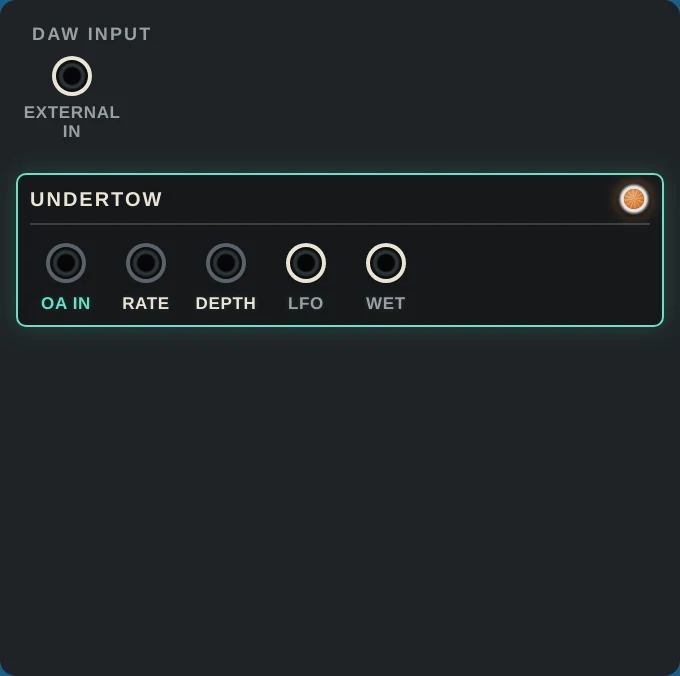
Advanced, in the title menu, with Option+A or with Tab from the Front, flips the tile to Make-up: -12 to +12 dB on Out, after the mix. At 0 dB, the default, it leaves the level alone. LFO and Wet are untouched.
Turn it with the keyboard, in your DAW too
Tab turns the pedal Front, Advanced and Back, and Shift+Tab turns it the other way. Option+F, Option+B and Option+A go straight there.